 EN
EN IT Italiano
 ES Español
 FR Français
 DE Deutsch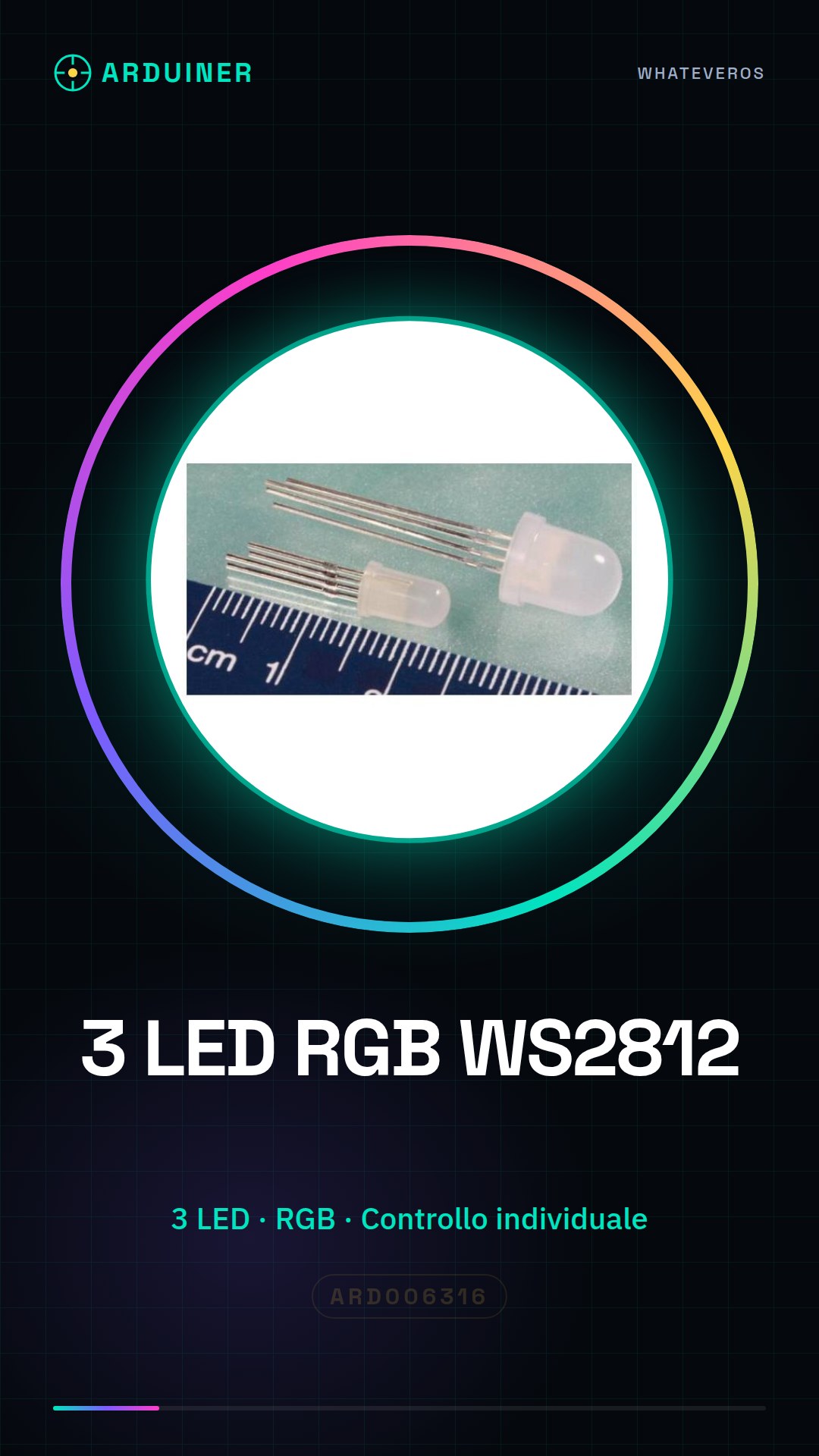
Description
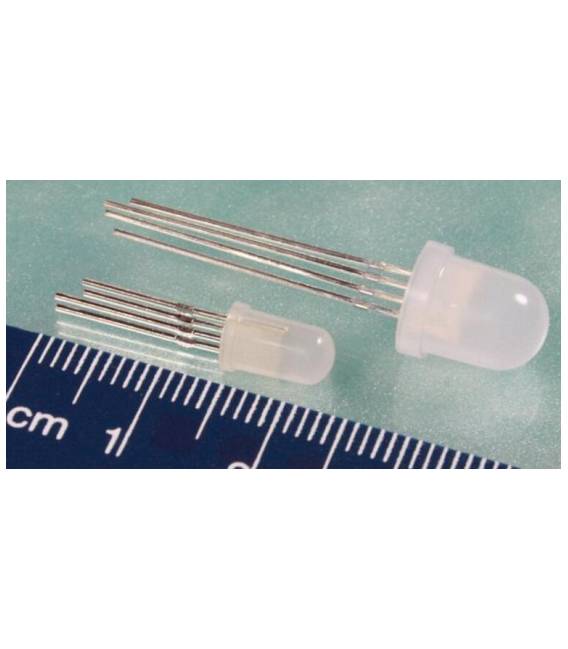
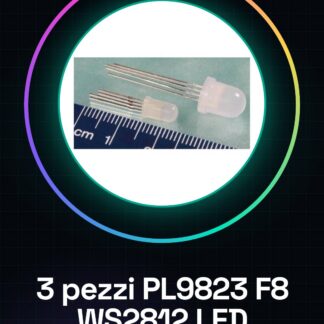
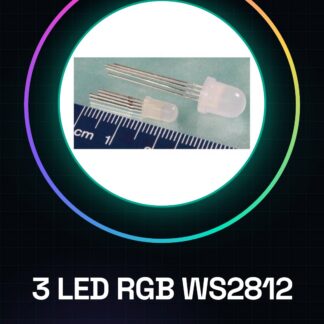
This product includes 3 pieces of PL9823 F5 WS2812 RGB LEDs. These individually addressable string LEDs are ideal for creating custom lighting effects. Features 3 pieces of PL9823 F5 WS2812 RGB LEDs. Type: RGB LED. Suitable for illumination projects, real-time information display, and customization of 3D printers and CNC machines. They can be used to create simple sequential flashing signals with LEDs. Compatibility with Arduino and ESP can be verified on the datasheet. Tutorial: How to use 3 Pieces PL9823 F5 WS2812 LED. Ideal for lighting and real-time information display projects. Useful for beginners and intermediate makers. What you need 3 Pieces PL9823 F5 WS2812 LED: 330 Ohm resistor, Arduino or compatible microcontroller, power cable. Steps 1. Check the suggested power supply voltage (5V). Verify on the datasheet. 2. Connect the power cable to the microcontroller and the LED power cable. 3. Connect the 330 Ohm resistor between the DI (Data In) pin of the LED and a digital pin of the microcontroller. 4. Connect the GND pin of the LED to the GND pin of the microcontroller. 5. Upload the provided Arduino code. 6. Verify that the LEDs light up correctly. 7. Modify the code to create custom effects. 8. Check that the LEDs function correctly with the modifications. Example Code “` #include #define PIN 6 #define NUMPIXELS 3 Adafruit_NeoPixel pixels(NUMPIXELS, PIN, NEO_GRB + NEO_KHZ800); void setup() { pixels.begin(); } void loop() { pixels.setPixelColor(0, pixels.Color(255, 0, 0)); pixels.show(); delay(1000); pixels.setPixelColor(0, pixels.Color(0, 255, 0)); pixels.show(); delay(1000); } “` Mini-Project Create a simple flashing signal with LEDs that light up and turn off sequentially. Common Errors Do not use voltages other than 5V. Do not connect LEDs directly to a digital pin without a resistor. Ensure the used pin is compatible with the microcontroller. Check that the Arduino code is correctly compiled and uploaded. Recommended Accessories Arduino Uno 330 Ohm resistor USB cable Arduino IDE
Reviews
There are no reviews yet.