 EN
EN IT Italiano
 ES Español
 FR Français
 DE Deutsch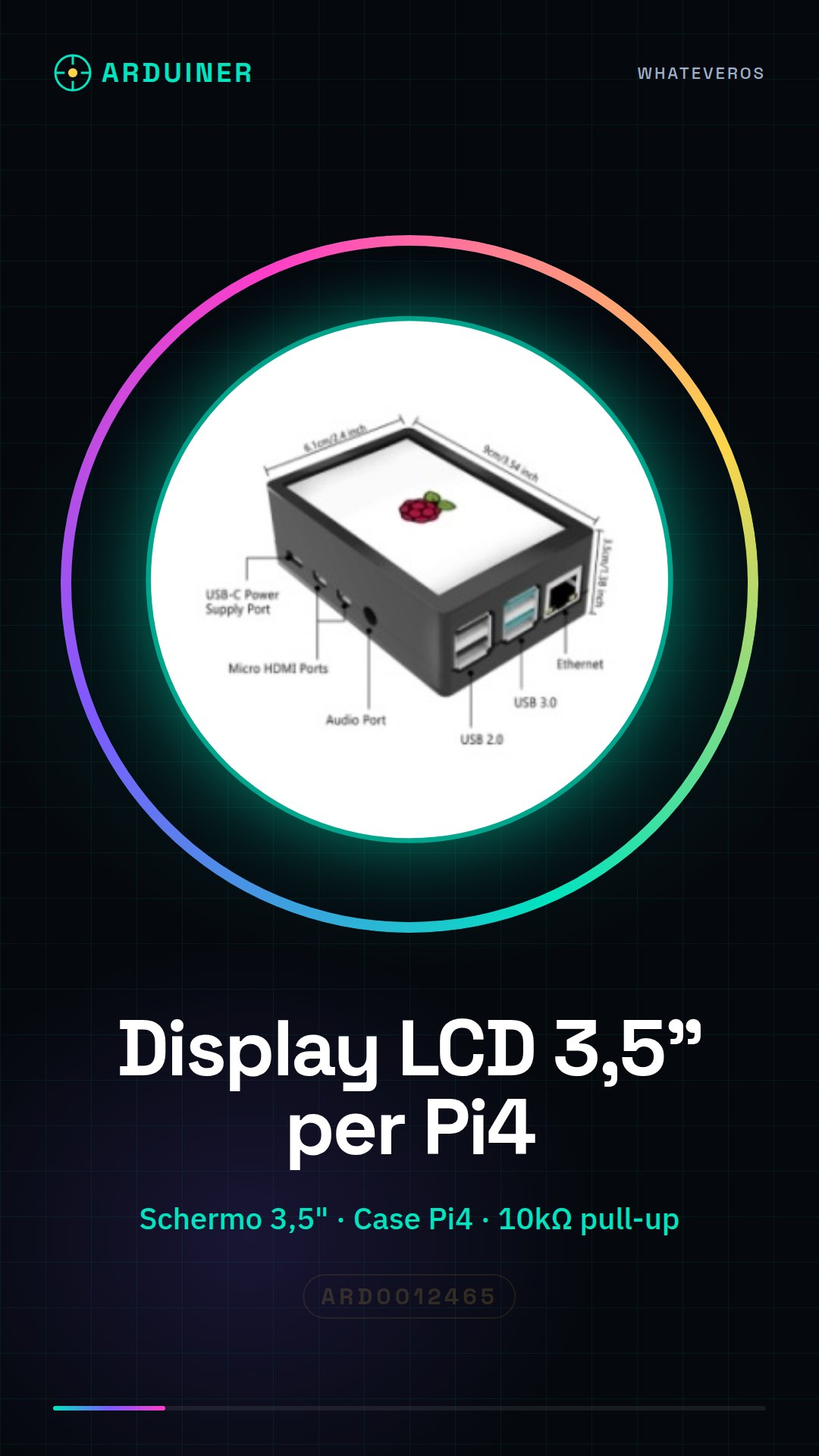
Description
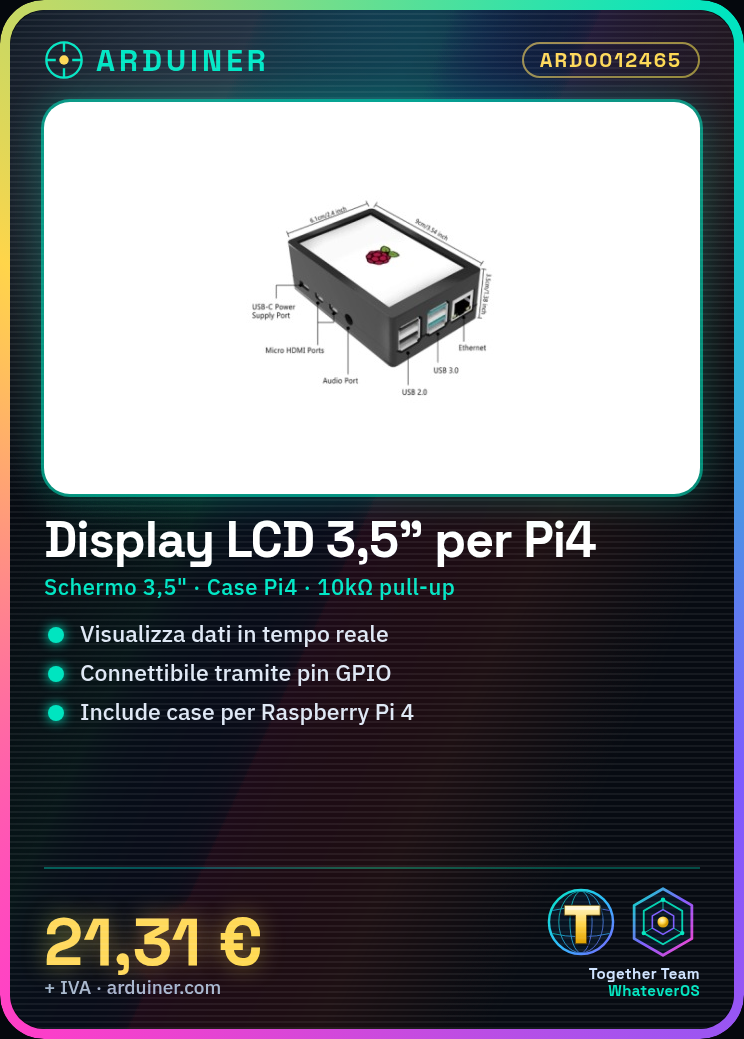
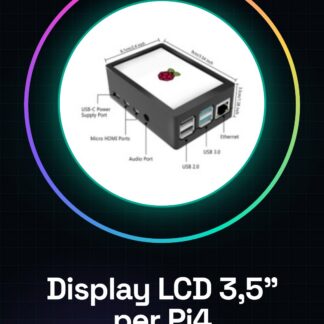
The 3.5″ LCD Display with Case for Raspberry Pi 4 is an electronic component designed to enhance the interface of projects based on the Raspberry Pi 4. This LCD display allows you to view information directly on the device, making it easier to monitor and interact with your projects.
Features:
– Screen size: 3.5 inches
– Compatible with Raspberry Pi 4
– Includes a specific case for Raspberry Pi 4
What is it used for?
This LCD display is ideal for simple user interface projects, monitoring applications, and any application that requires direct information display. You can use it to create stopwatches, display real-time data or any other type of application that needs an LCD screen display.
Tutorial: How to Use 3.5″ LCD Display with Case for Raspberry Pi 4
This 3.5″ LCD display with case allows you to view information on your Raspberry Pi 4. Ideal for simple user interface and monitoring projects.
What do I need?
– 3.5″ LCD Display with Raspberry Pi 4 case
– Power cable
– Pull-up resistor (10kΩ)
Steps:
1. Check that the display is compatible with the Raspberry Pi 4.
2. Mount the display in the case.
3. Connect the display to the Raspberry Pi 4 via GPIO pins.
4. Install necessary drivers on the Raspberry Pi.
5. Configure the Raspberry Pi to manage the display.
6. Connect the pull-up resistor to the display.
7. Start the Raspberry Pi and check the display.
8. Configure the display with a Python script or graphical program.
Mini-project: Create a simple stopwatch on the 3.5″ LCD Display using Python.
Common mistakes:
– Not correctly configuring GPIO pins.
– Omitting the pull-up resistor.
– Failing to install necessary drivers.
– Connecting the display to a USB port instead of GPIO.
Recommended accessories:
– Power cable for Raspberry Pi 4
– Pull-up resistor 10kΩ
– USB cable for Raspberry Pi 4
– HDMI monitor for Raspberry Pi 4
FAQ:
How do I install necessary drivers?
Install them through the official repository for Raspberry Pi.
Which GPIO pins should I use?
Check the datasheet for specific pins.
Can I use a different power supply for the display?
Check the datasheet for required voltage.
Is this display compatible with Raspberry Pi 3?
Check compatibility on the datasheet.
Reviews
There are no reviews yet.