 EN
EN IT Italiano
 ES Español
 FR Français
 DE Deutsch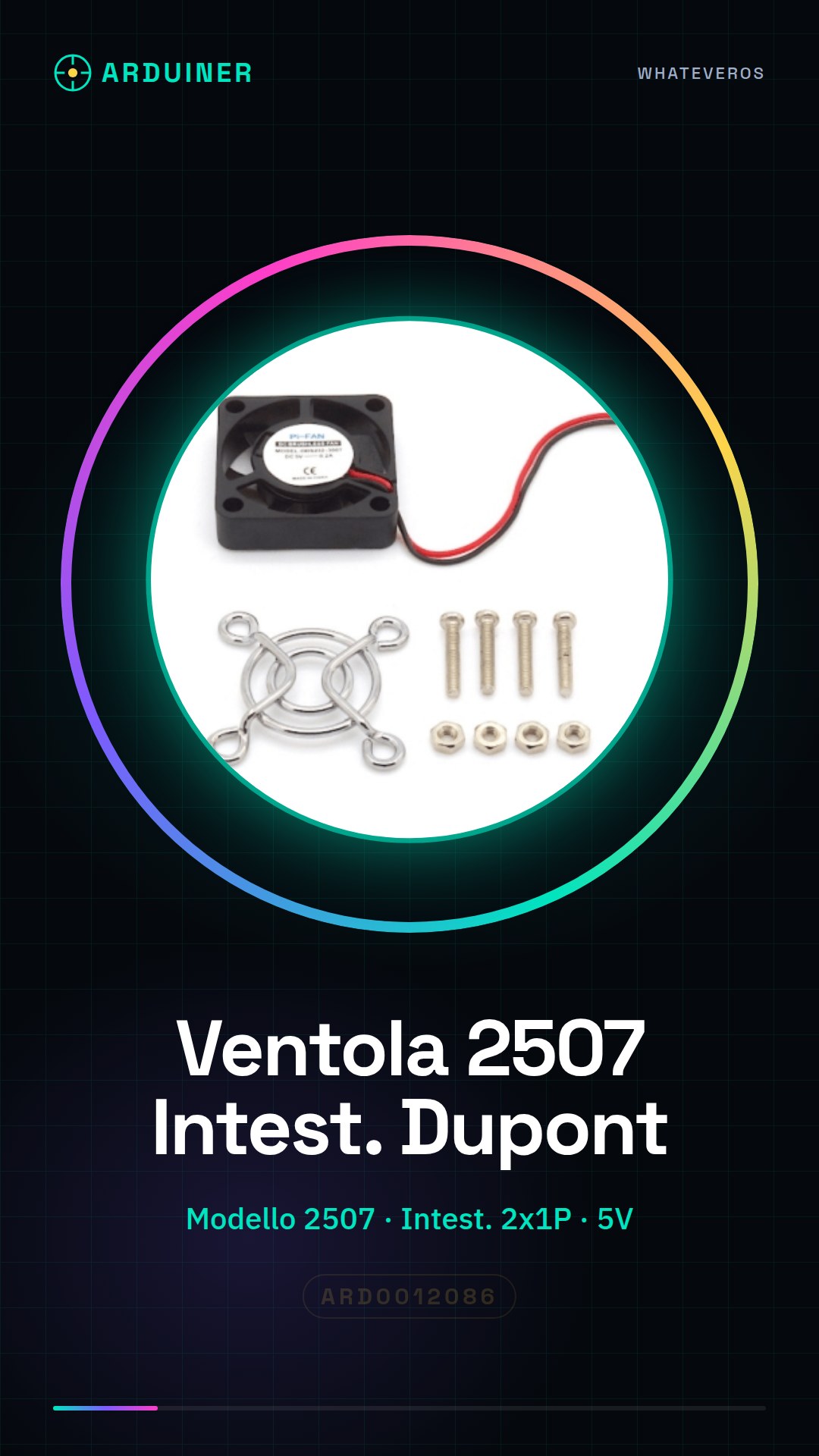
Description
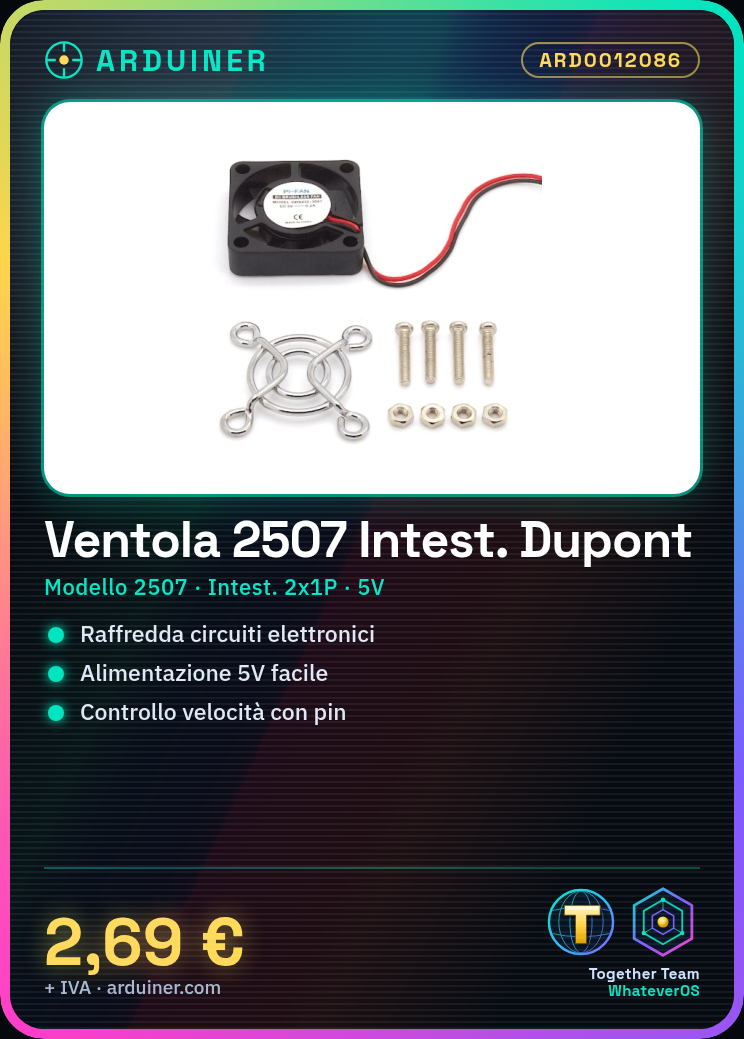
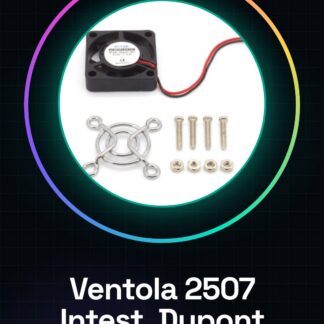
What is the 2507 Fan Kit with Dupont Header? This fan kit is an essential component for electronics and Arduino projects. It’s designed to cool down electronic circuits and provide a constant airflow in small spaces.
Features Model: 2507 Header: Dupont 2 * 1P Suitable for cooling electronic circuits Compatible with various electronic projects What does it do? This fan is ideal for applications such as cooling systems, small pumps or any other application requiring a steady air flow. It can be easily connected to an Arduino or ESP to control and adjust the fan speed.
How to use the 2507 Fan Kit with Dupont Header The 2507 Fan Kit with Dupont Header is an ideal component for electronic cooling projects, suitable for both beginners and experienced makers. This small fan is perfect for applications such as cooling systems, small pumps or any other application requiring a steady air flow.
What you need Arduino Uno Power Supply 5V Dupont Cable Steps Connect the Dupont cable to the 5V power pin of the Arduino Connect the Dupont cable to the GND pin of the Arduino Connect the Dupont cable to the control pin of the Arduino (e.g. pin 13) Check the correct installation of the fan by ensuring it spins If necessary, adjust the fan speed via the control pin Example code const int fanPin = 13; void setup() { pinMode(fanPin, OUTPUT); } void loop() { digitalWrite(fanPin, HIGH); delay(1000); digitalWrite(fanPin, LOW); delay(1000); }
Mini-project Build a cooling system for your Arduino. Connect the fan to pin 13 of the Arduino and use a temperature sensor to automatically regulate the fan speed.
Common mistakes Connecting power pin to ground Not checking Dupont cable connections Not adjusting fan speed Using voltage higher than specified in datasheet Recommended accessories Temperature sensor PWM control module Separate power supply Mounting rings for fan

Reviews
There are no reviews yet.