 EN
EN IT Italiano
 ES Español
 FR Français
 DE Deutsch
Description
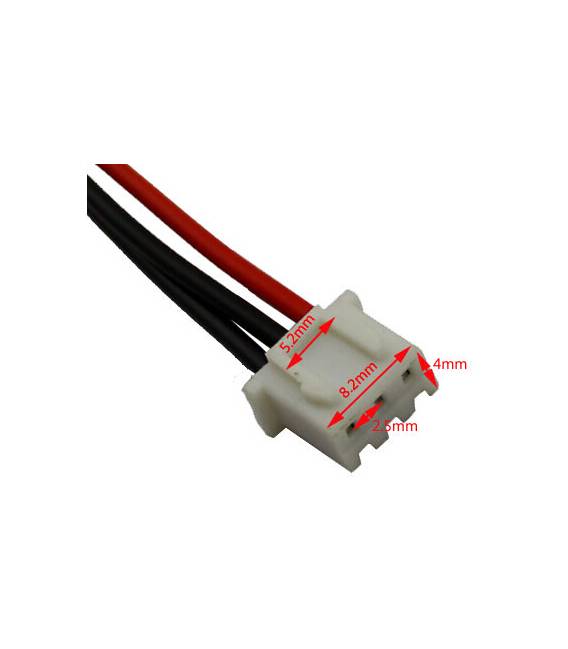
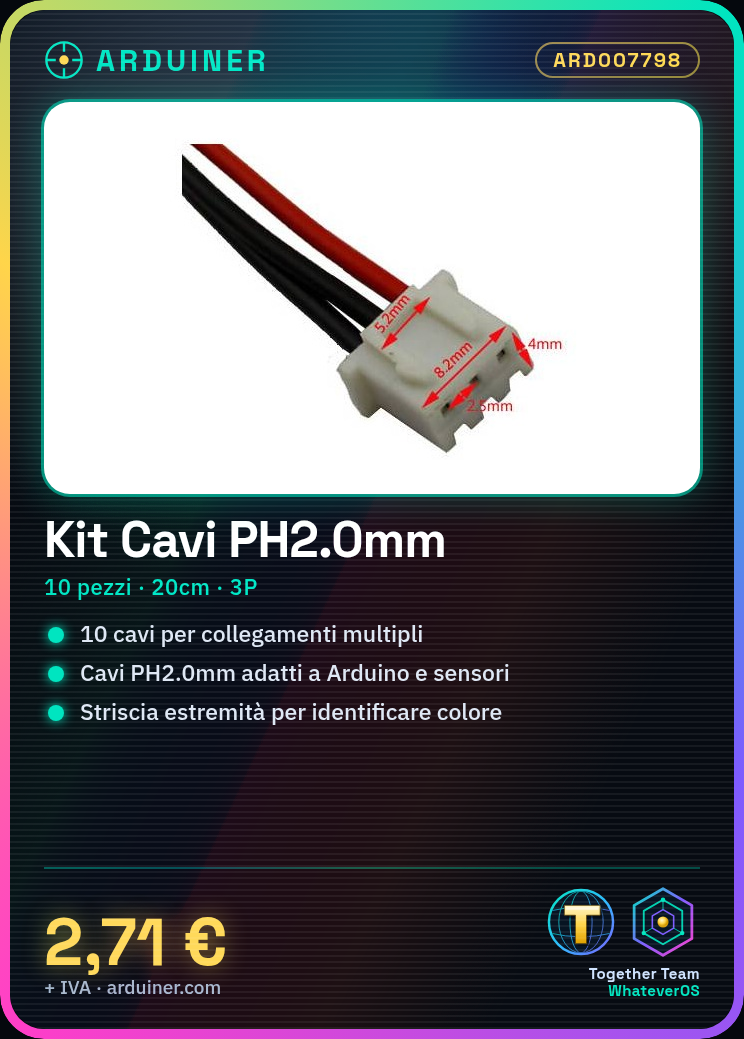
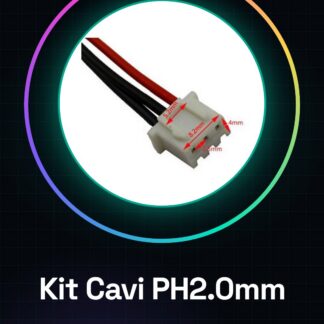
Tutorial: How to use PH2.0mm 3P Cable Kit This cable kit is ideal for connecting various electronic components in Arduino or 3D printing projects. It is particularly useful for beginners who want to create stable connections between sensors, actuators, and the microcontroller. What you need: Arduino, sensors, actuators, 3D printer. Steps: Verify the PH2.0mm connector specifications you are working with to ensure compatibility. If necessary, cut the PH2.0mm cable to 20cm but make sure to follow the minimum length specified in the datasheet. Strip the cable ends to facilitate color and function identification. Connect the PH2.0mm cables to the connectors or Arduino pins using your preferred method (soldering, clips, etc.). Verify the connection with a multimeter to ensure there are no short circuits. Repeat steps 2-5 for each cable in the kit. Test the connection by integrating the electronic component (sensor, actuator) with the Arduino. Check the specifications of the connected components in the datasheet to ensure everything works correctly. Mini-project: Create a simple home alarm system using a switch and a buzzer connected via these PH2.0mm cables. Common errors: Not verifying connector compatibility before installation. Cutting wires to non-compliant lengths as per the datasheet. Failing to strip wire ends for easier identification and connection. Not testing the connection with a multimeter before use. Recommended accessories: Multimeter, Wire Strippers, Rigid Wire Strippers, Cable Cutter, Soldering Kit. Frequently asked questions: Which PH2.0mm connectors are compatible with this kit? Check the datasheet of your component to ensure compatibility. How can I connect these cables to sensors without soldering? You can use PH2.0mm compatible clips or pre-assembled connectors.

Reviews
There are no reviews yet.