 EN
EN IT Italiano
 ES Español
 FR Français
 DE Deutsch

Description
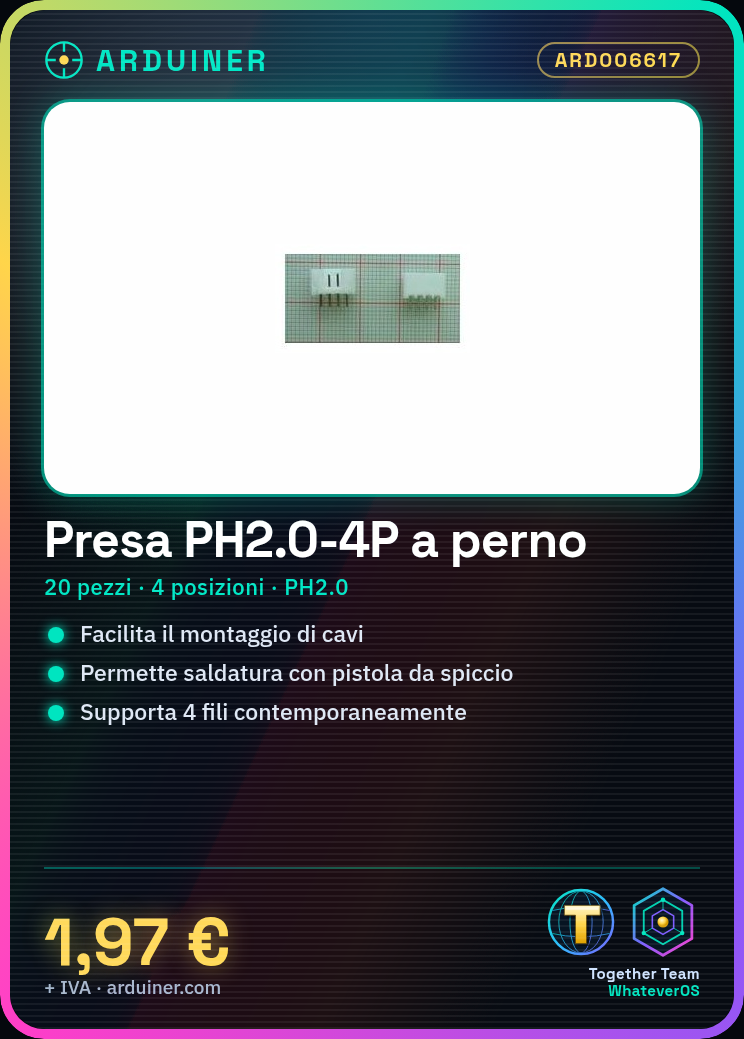
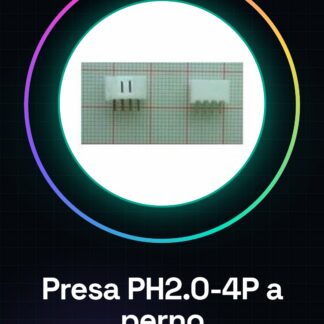
Tutorial: How to use PH2.0-4P Right Socket The PH2.0-4P socket is a commonly used connector in electronic projects to facilitate the assembly of wires and components. Ideal for beginner and intermediate makers working with Arduino, sensors, or any other circuit. What you need Arduino PH2.0 wires Crimping tool Steps Identify the PH2.0-4P connector on your project. Prepare the PH2.0 wires by cutting the desired length and stripping the insulation to expose the wire ends. Insert the wires into the correct positions of the PH2.0-4P socket, referring to the datasheet for the required connection type (check the datasheet). Use the crimping tool to solder the wires to the socket. Test for shorts or open connections using a multimeter. Insert the PH2.0-4P socket into the circuit and ensure it is securely fastened. Mini-project Create a simple remote control interface for Arduino using PH2.0-4P wires to connect buttons, LEDs, and other sensors. Common errors Insufficient or incorrect crimping Incorrect wire insertion into the PH2.0-4P socket Short circuits caused by poorly insulated wires Recommended accessories PH2.0 wires Multimeter Soldering kit Arduino buttons and LEDs
Reviews
There are no reviews yet.