 EN
EN IT Italiano
 ES Español
 FR Français
 DE Deutsch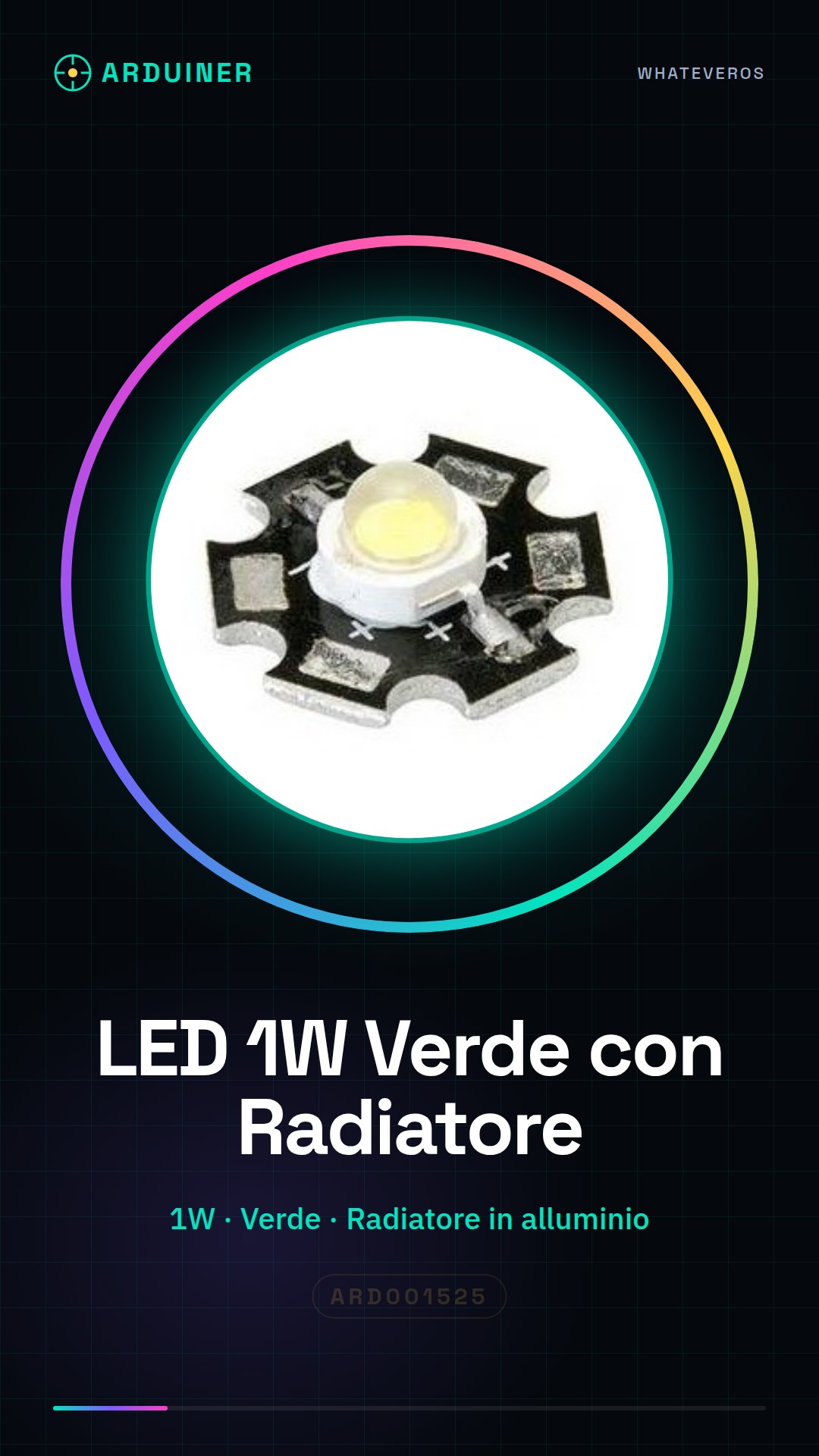
Description
Tutorial: How to use 1W Green LED with Heat Sink
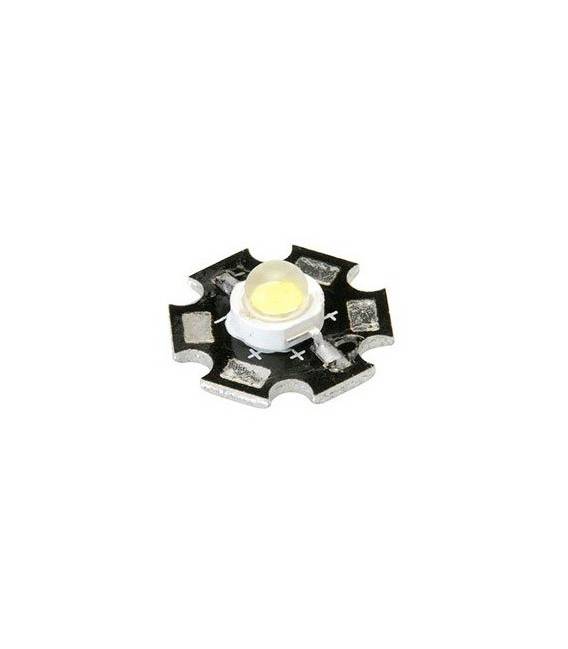
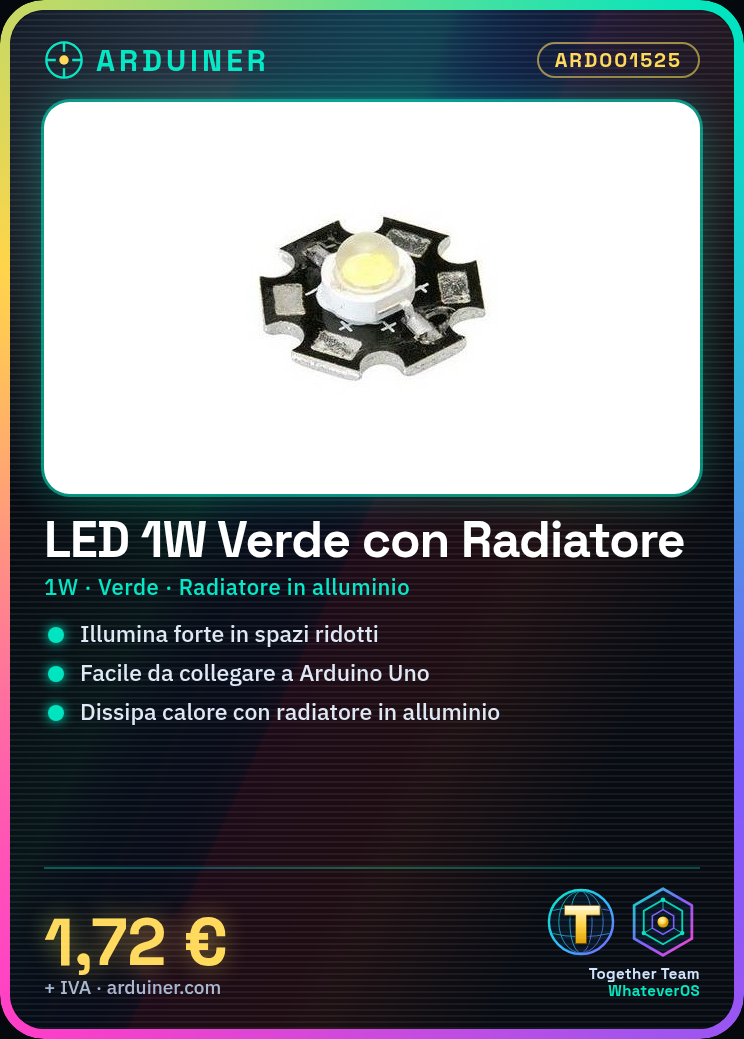
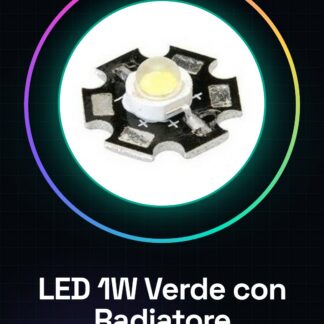
This 1W green LED is ideal for projects requiring strong illumination in a small space. It’s perfect for beginners and intermediate makers who want to add visible lights to devices or installations.
Arduino Uno Connection
5V-12V power supply
Resistor (check datasheet)
GPIO Pin
Steps
Verify the LED’s operating voltage from the manufacturer’s data. Connect one end of the resistor to the GPIO pin of the Arduino and the other end to the anode (longer pin) of the LED. Connect the cathode (shorter pin) of the LED to GND via a separate connection. Try modifying the LED’s on and off duration through the Arduino sketch to control the light intensity. Ensure the heat sink is securely attached to dissipate heat generated by the LED during prolonged use.
Example Code
“`void setup() {
pinMode(LED_PIN, OUTPUT);
}
void loop() {
digitalWrite(LED_PIN, HIGH); // Turn on the LED
delay(1000); // Wait for one second
digitalWrite(LED_PIN, LOW); // Turn off the LED
delay(1000); // Wait for one second
}“`
Mini-Project
Create a timed lamp with this LED. Use a button to switch the light on and off and add a timer to automatically regulate the lighting duration.
Common Errors
Connecting the LED without a resistor, causing damage.
Not securely fixing the heat sink, causing LED overloading.
Using an electrical voltage higher than the maximum specified for the LED.
Recommended Accessories
Variable Resistors
Switching Buttons
Timer Modules
Frequently Asked Questions
How much heat does this LED generate? The aluminum heat sink is designed to dissipate the heat generated by the LED during prolonged use. Ensure it is securely attached.
Can I use a higher voltage than the maximum specified for the LED? No, it may damage the component. Always check the acceptable operating voltage for this LED on the datasheet.
Reviews
There are no reviews yet.