 EN
EN IT Italiano
 ES Español
 FR Français
 DE Deutsch
Description
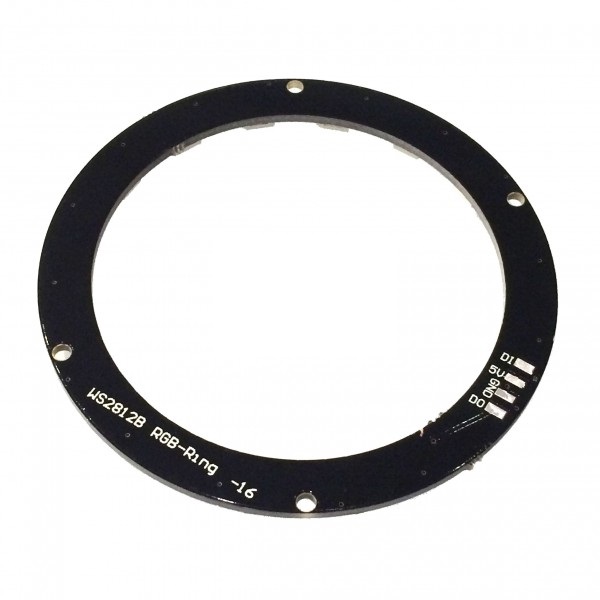
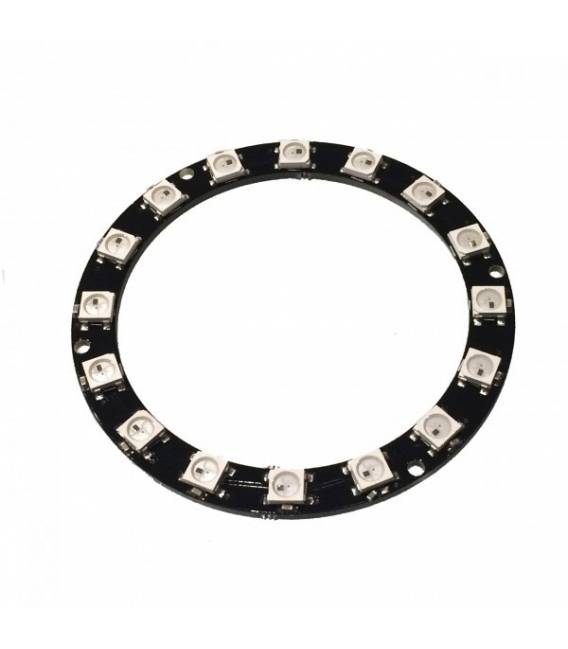
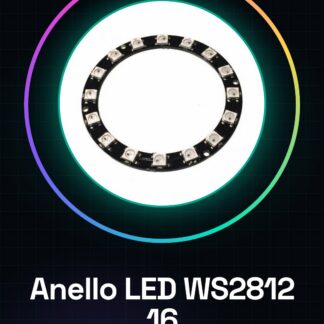
What is it The WS2812 5050 RGB LED Ring is an electronic component consisting of 16 5050 LEDs, each capable of emitting red, green, and blue (RGB) light. This LED ring offers great flexibility for creating custom visual effects due to its compatibility with Arduino and other microcontrollers. Features: Type: WS2812 RGB LED Ring LEDs: 16 LED Type: 5050 Available Colors: RGB For what it’s used Ideally suited for custom lighting projects and visual effects, the WS2812 RGB LED Ring can be integrated into various devices such as 3D printers, drones, or home environments. It can be used to create a light clock showing the time with different colors and effects. How to use WS2812 RGB LED Ring This versatile WS2812 RGB LED Ring allows you to add lighting effects to your projects. Ideal for 3D printer enthusiasts, drone hobbyists, and those interested in customized environments, this ring can be used to create ambient lights or visual indicators. Required: Arduino Uno, USB Cable, Arduino IDE Steps: Connect the WS2812 LED Ring to a digital pin on the Arduino (e.g., D3). Install the Adafruit NeoPixel library in the Arduino IDE. Load the sample sketch provided in the library to test the LED functionality. Ensure all LEDs light up and change color following the sketch instructions. Modify the sketch to customize the appearance of your LEDs (color, scroll speed). If necessary, add a resistor between the Arduino pin and the LED chain to limit current. Verify that the power supply is sufficient to power the LED ring without interruptions. Explore further projects using this component. Example Code: Adafruit_NeoPixel strip = Adafruit_NeoPixel(16, 3, NEO_GRB + NEO_KHZ800); void setup() { strip.begin(); } void loop() { strip.setPixelColor(0, strip.Color(255, 0, 0)); // red strip.show(); delay(1000); } Mini-project Create a light clock: Use the LED ring to show the time visually with different colors and effects. Common Errors The LED color does not change as expected. Check the pin connection and sketch values. Insufficient power supply causes interruptions in LED lighting. Refer to the datasheet for the required current. LEDs light up inconsistently. Ensure all LEDs are correctly connected and check the data sheet.
Reviews
There are no reviews yet.