 EN
EN IT Italiano
 ES Español
 FR Français
 DE Deutsch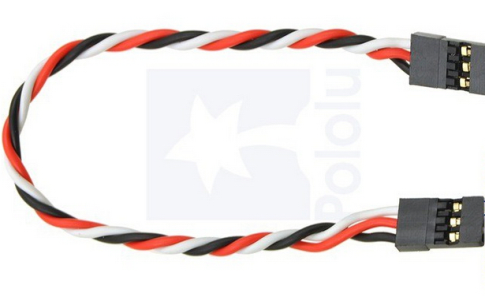
Description
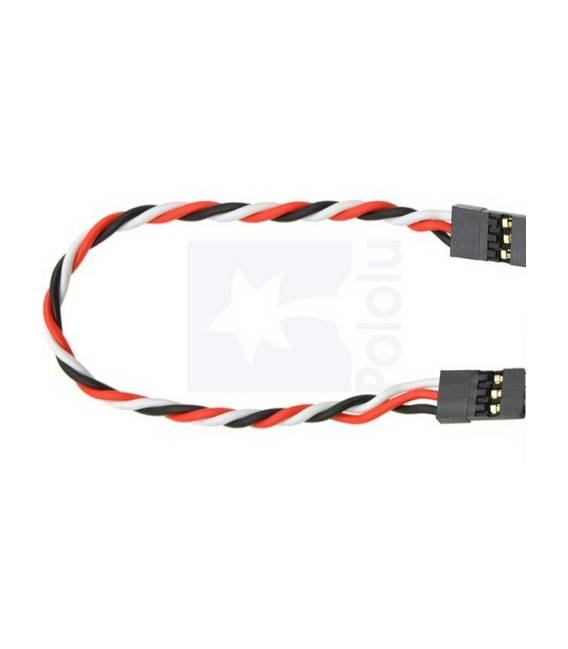
Tutorial: How to Use the 15CM Dupont Cable The Dupont cable is a high-quality connector used to connect various electronic components such as sensors, LEDs, and other devices to an Arduino board. It is ideal for both beginners and experienced makers. What it’s for: Arduino, sensors, LEDs, power supplies, 3D printers Steps Check the compatibility of the Dupont cable with your devices. Connect one end of the male connector to your original device (e.g., sensors, LEDs). Connect the other end of the cable to an Arduino port or another device. Ensure all connections are secure and tight to avoid short circuits. Mini-project Create a simple motion alarm system by connecting a motion sensor to an LED via the Dupont cable. Common mistakes Connecting pins incorrectly (check wire colours). Using damaged or corroded connectors. Not checking connection tightness. Forgetting to check cable accessibility for maintenance. Recommended accessories Motion sensors, LEDs in various colours, resistors, 3D printer
Reviews
There are no reviews yet.