 EN
EN IT Italiano
 ES Español
 FR Français
 DE Deutsch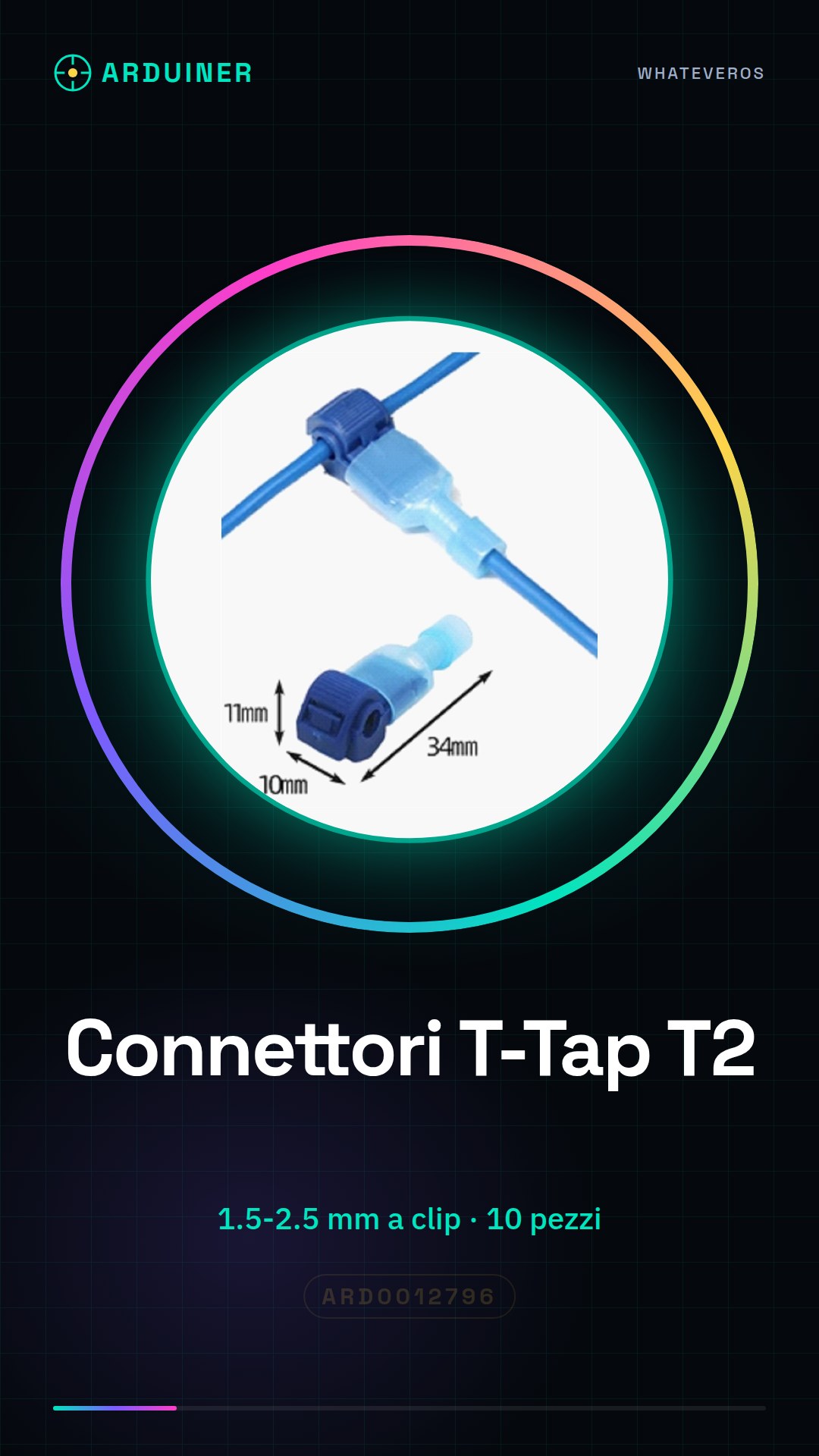
Description
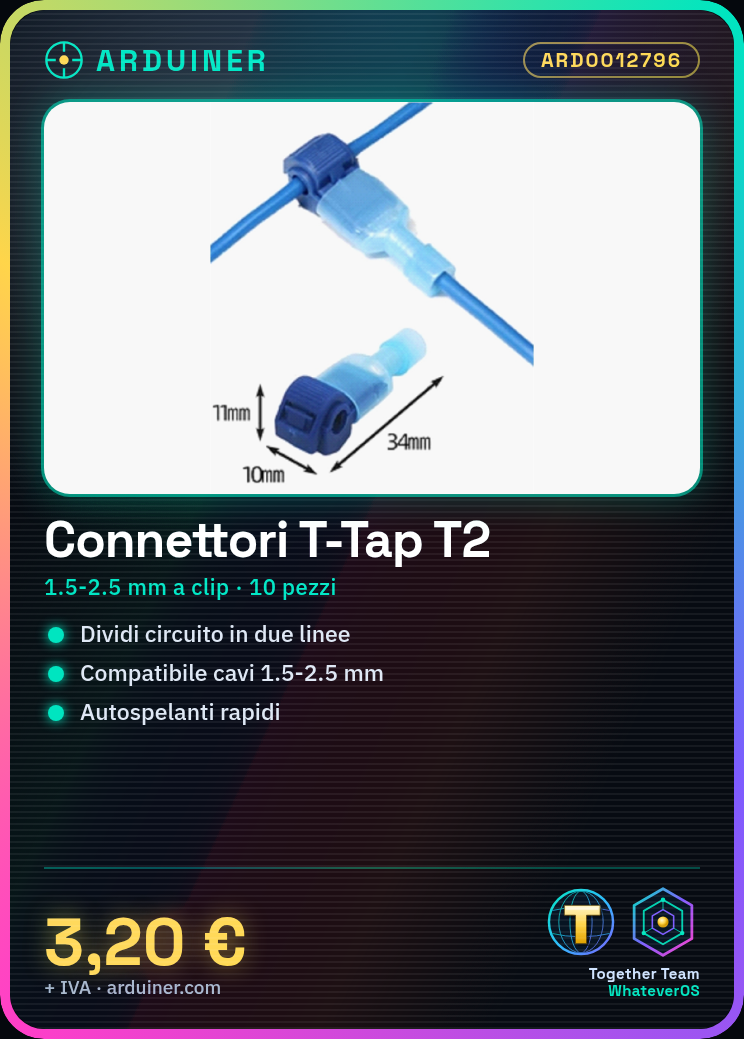
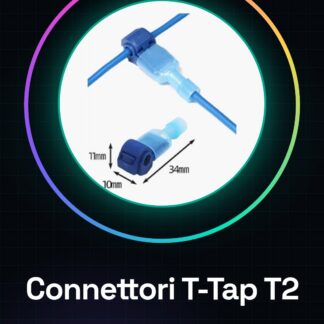
What are self-splicing T-Tap T2 connectors? Self-splicing T-Tap T2 connectors are a type of current tap connector used in electrical electronic projects. These connectors allow dividing a circuit into two separate lines without interrupting the main current, making them ideal for applications where it is necessary to separately power modules or components. Features 10 Pieces Self-Splicing T-Tap T2 Connectors Compatible with cables from 1.5 to 2.5 mm Clip What are they used for? The T-Tap connectors are useful for makers and professionals working on electronic projects such as Arduino, ESP and other modules. Ideal for separately powering a WiFi module and a Bluetooth module from an Arduino circuit. Tutorial: How to use Current Tap Connectors The T-Tap connectors are useful for dividing an electrical circuit into two separate lines without interrupting the main current. Ideal for makers and professionals working on electronic projects. What is it used for? Domestic electronics installations Temporary installations Testing and debugging circuits Arduino projects with separate power supply 3D printing projects Drone projects Steps Check cable diameter compatibility with connector (check datasheet). Cut electric wire to a length of 2-3 cm. Use a stripping tool to remove the outer protection of the cable. Divide both ends of the cable into seven strips. Insert the ends of the cable into the T-Tap connector. Use a soldering iron to solder wires to internal contacts of the connector. Check soldering with a multimeter. Insert an electrical power cable into the T-Tap connector to complete connection. Mini-project T-Tap Connector for separately powering a WiFi module and a Bluetooth module from an Arduino circuit. Common mistakes Insufficient or excessive soldering. Incorrect insertion of cable in connector. Use of incompatible diameter cable. Damaged or incorrect internal contact soldering. Recommended accessories Electrical power cable Stripping tool Soldering iron Multimeter Frequently Asked Questions How can I check cable compatibility? Check the cable diameter with the connector datasheet. What tools are needed for soldering? Basic tools such as a soldering iron and a soldering station. Can these connectors be used to power a drone? Yes, but ensure that the connector is compatible.
Reviews
There are no reviews yet.