 EN
EN IT Italiano
 ES Español
 FR Français
 DE Deutsch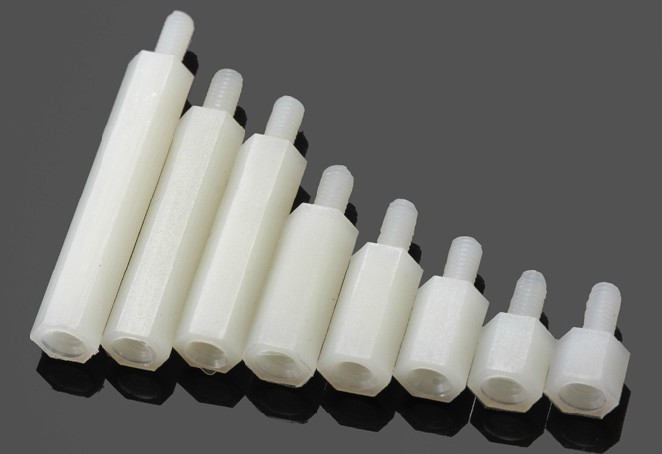
Description
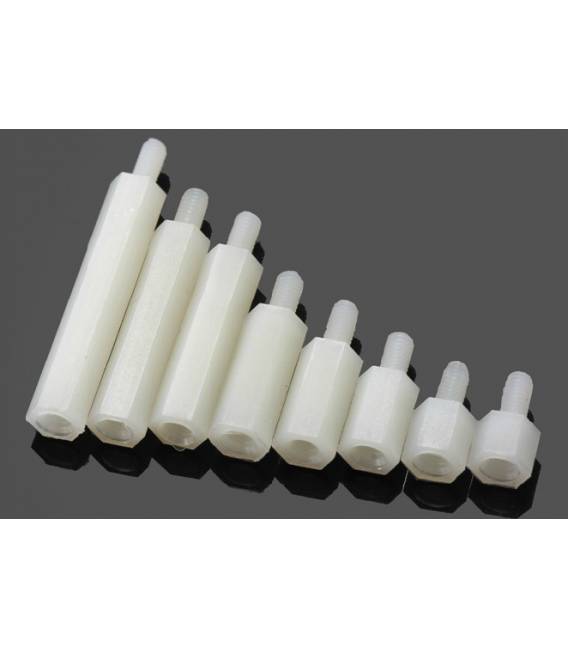
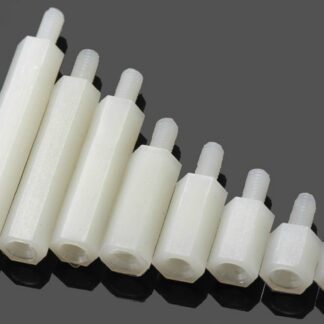
Datasheets for all components are available; if not included in the product download sheet, contact us via the contact form to request it and we will publish it as soon as possible on our website. 10PCS Nylon column M3*30+7 Tutorial: How to use M3*30+7 Spacers These spacers maintain precise distance between two components in 3D printers, CNC machines, and laser equipment. Ideal for beginners and intermediates. What do you need? Mounting area M3 screw Training wrench Check dimensions and precision on the datasheet Prepare mounting area Insert an M3 screw into the spacer Tighten the spacer with a wrench Mount the spacer in the correct position Check the distance between components Verify the adequacy of the distance If necessary, adjust the distance. Mini-project Install an M3*30+7 spacer between the filament support and the 3D printer carriage in 30 minutes. Common mistakes Not tightening the spacer correctly. Failing to check the distance before mounting. Mounting the spacer with excessive force. Choosing spacers of incorrect dimensions. Recommended accessories M3*20+5 Spacers M3*40+7 Spacers Mounting area Training wrench Frequently Asked Questions Are M3*30+7 spacers compatible with all materials? Check compatibility on the datasheet. Can I use these spacers for 3D printers and CNC machines? Yes, they are suitable for both cases. How long does it take to mount a spacer? A couple of minutes depending on experience. Can I use spacers of different sizes? Yes, but check compatibility on the datasheet.
Reviews
There are no reviews yet.