 EN
EN IT Italiano
 ES Español
 FR Français
 DE Deutsch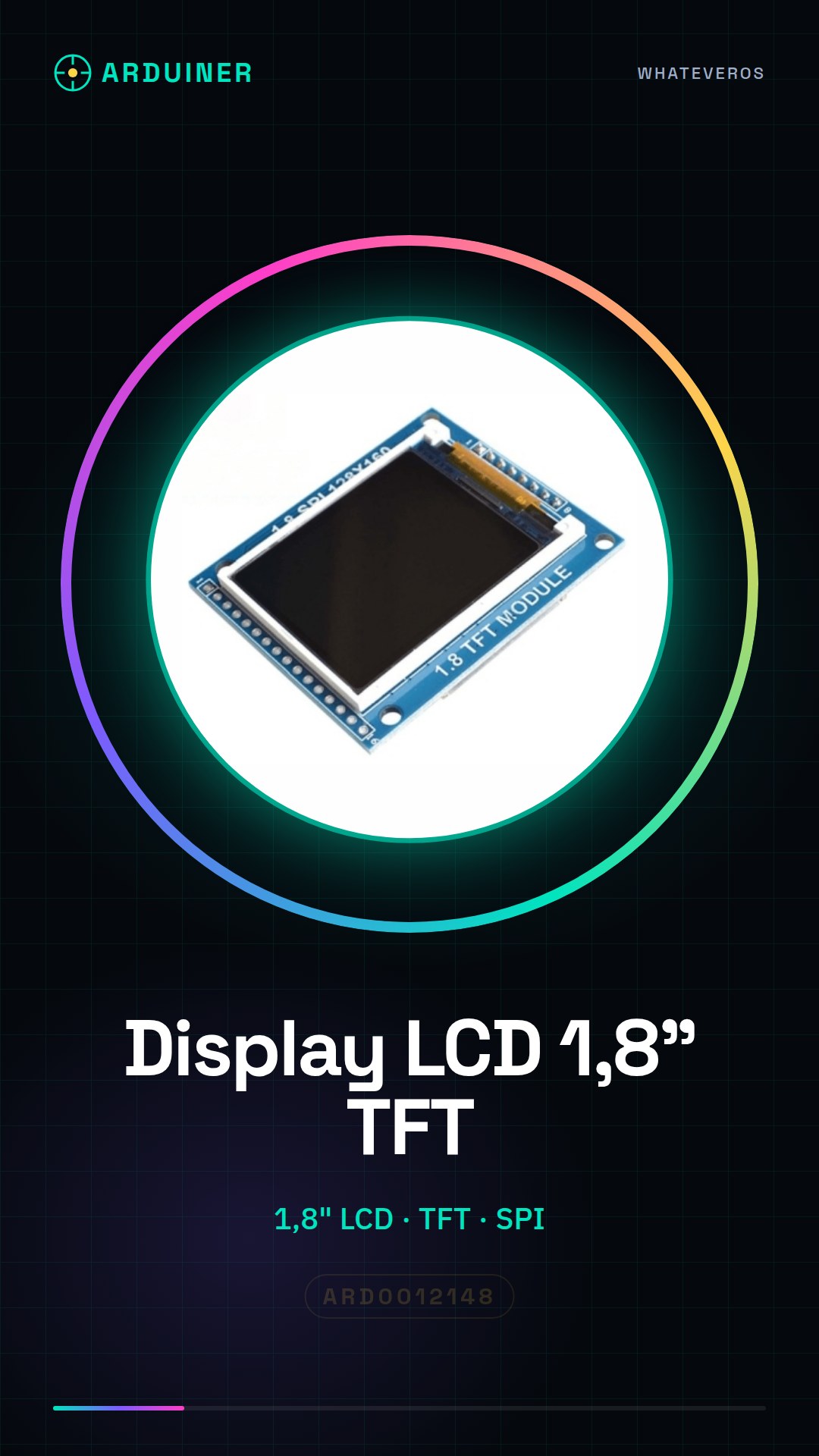
Description
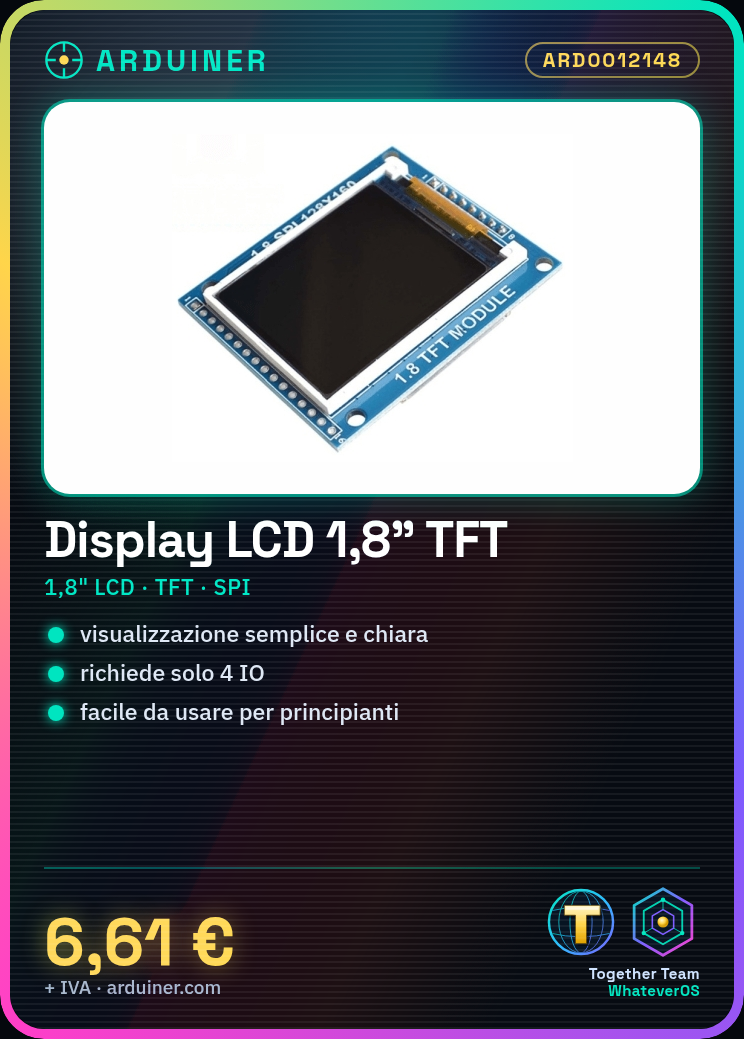
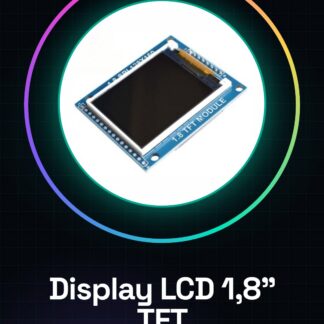
What is it A 1.8 inch TFT (Thin Film Transistor) LCD module with backplane PCB. Communication is via SPI serial interface and requires only 4 I/O. Features Display size: 1.8 inches Technology: TFT Connection: SPI Required I/O: 4 What is it used for This LCD module is ideal for Arduino projects requiring simple and clear information display. It can be used to create displays for stopwatches, status indicators, data sensor displays, and much more. Its ease of use makes it suitable for beginners. Tutorial: How to Use the 1.8 Inch LCD Display This TFT display is suitable for projects requiring simple and clear display. Useful for beginners and intermediate makers. What is needed Arduino or compatible Power supply cable 10kΩ resistor SPI connection cable Steps 1. Connect the display to the Arduino using the following pins: SCK to 13, MOSI to 11, MISO to 12, SS to 10. 2. Connect the 10kΩ resistor between VCC and GND of the display. 3. Connect VCC of the display to the 5V of Arduino and GND to GND. 4. Upload the code to the Arduino. 5. Check the datasheet for specific pin details. 6. Display text or images on the display. 7. Test the display function. 8. Verify the stability of the connection. Example Code “` #include #include Adafruit_ILI9341 tft = Adafruit_ILI9341(10, 11, 12, 13); void setup() { tft.begin(); } void loop() { tft.fillScreen(TFT_BLACK); tft.setCursor(0, 0); tft.setTextColor(TFT_WHITE); tft.print(
Reviews
There are no reviews yet.