 EN
EN IT Italiano
 ES Español
 FR Français
 DE Deutsch
Description
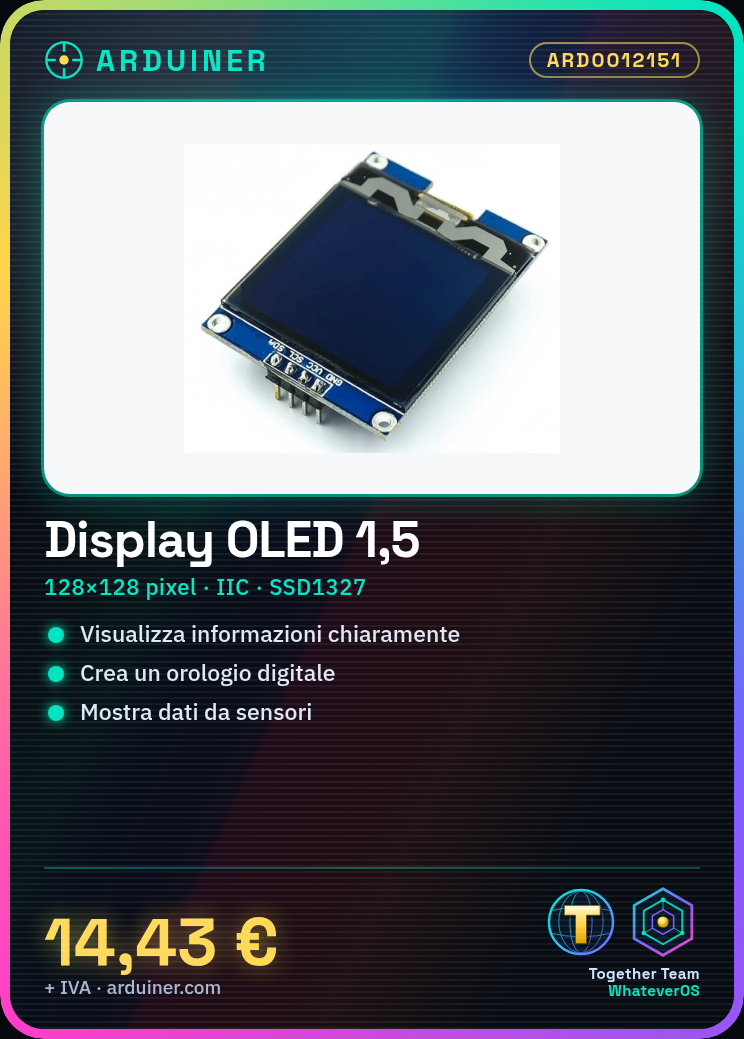
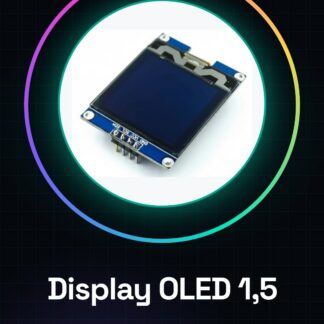
What is the 1.5 inch OLED display module with a resolution of 128×128 and IIC interface? This component is useful for clearly displaying information on Arduino projects. Features Dimensions: 1.5 inches Resolution: 128×128 pixels Interface: IIC (I2C) Chip: SSD1327 Screen colour: black Text colour: white What does it do? This OLED module is ideal for projects requiring clear and readable information display. It can be used to create a digital clock showing the time and date, or to display data from sensors. Compatible with Arduino, it can be integrated into various prototypes and electronic projects. Tutorial: How to use 1.5 inch SSD1327 OLED Display Module The 1.5 inch SSD1327 OLED display module is ideal for clearly displaying information on Arduino projects. This component is particularly useful for makers who want to add a black screen with white text to their devices. What you need: An Arduino or compatible USB cable I2C connection Adafruit_SSD1327 library Installed Arduino IDE Debugging software (optional) Steps Connect the OLED module to the SDA pin of Arduino Connect the OLED module to the SCL pin of Arduino Connect the VCC pin of the OLED module to 3.3V on Arduino Connect the GND pin of the OLED module to GND on Arduino Install Adafruit_SSD1327 library via Arduino Library Manager Include the library in your Arduino code Create a display object and initialise it Test the display by writing a message Example Code Adafruit_SSD1327 display = Adafruit_SSD1327(128, 128, &Wire); display.begin(SSD1327WIDTH, SSD1327HEIGHT, false); display.setFont(ArialMT_Plain_10); display.setTextAlignment(TEXT_ALIGN_LEFT); display.clearDisplay(); display.fillRect(0, 0, 128, 128, WHITE); display.setCursor(0, 0); display.print(“Welcome!”); Mini-project Create a digital clock that displays the time and date on the 1.5 inch OLED screen. Use a time sensor to update the time in real-time. Common mistakes Ensure the OLED module is properly powered Check that SDA and SCL pins are correctly connected Verify that the library is installed correctly Confirm that the display initialisation code is correct Recommended accessories DS18B20 Temperature Sensor 3.7V LiPo Battery 3D Print for Project Relay Module 5V Frequently Asked Questions Where can I find the datasheet? The
Reviews
There are no reviews yet.