 EN
 IT Italiano
 ES Español
 FR Français
 DE Deutsch
Description
Technical Description
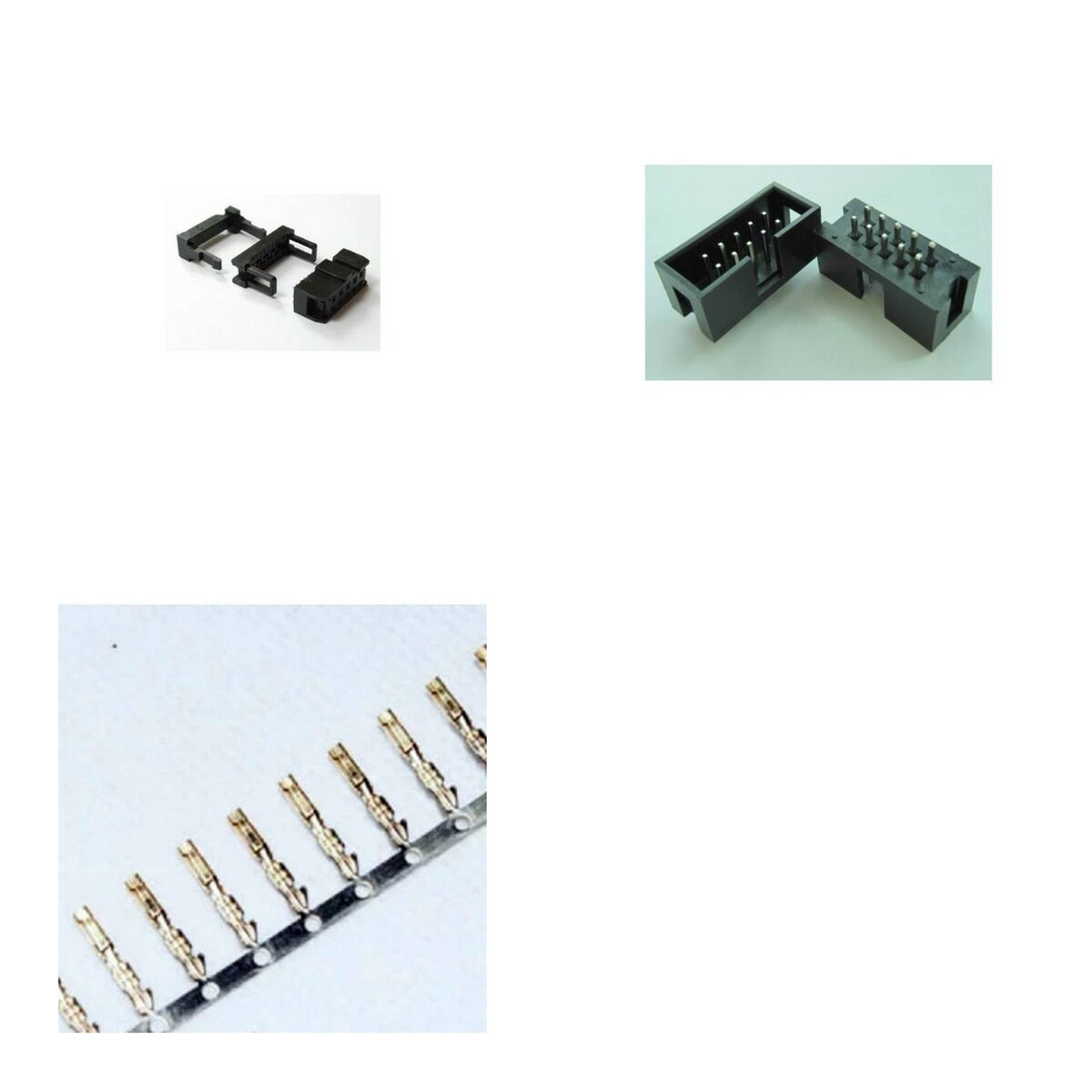
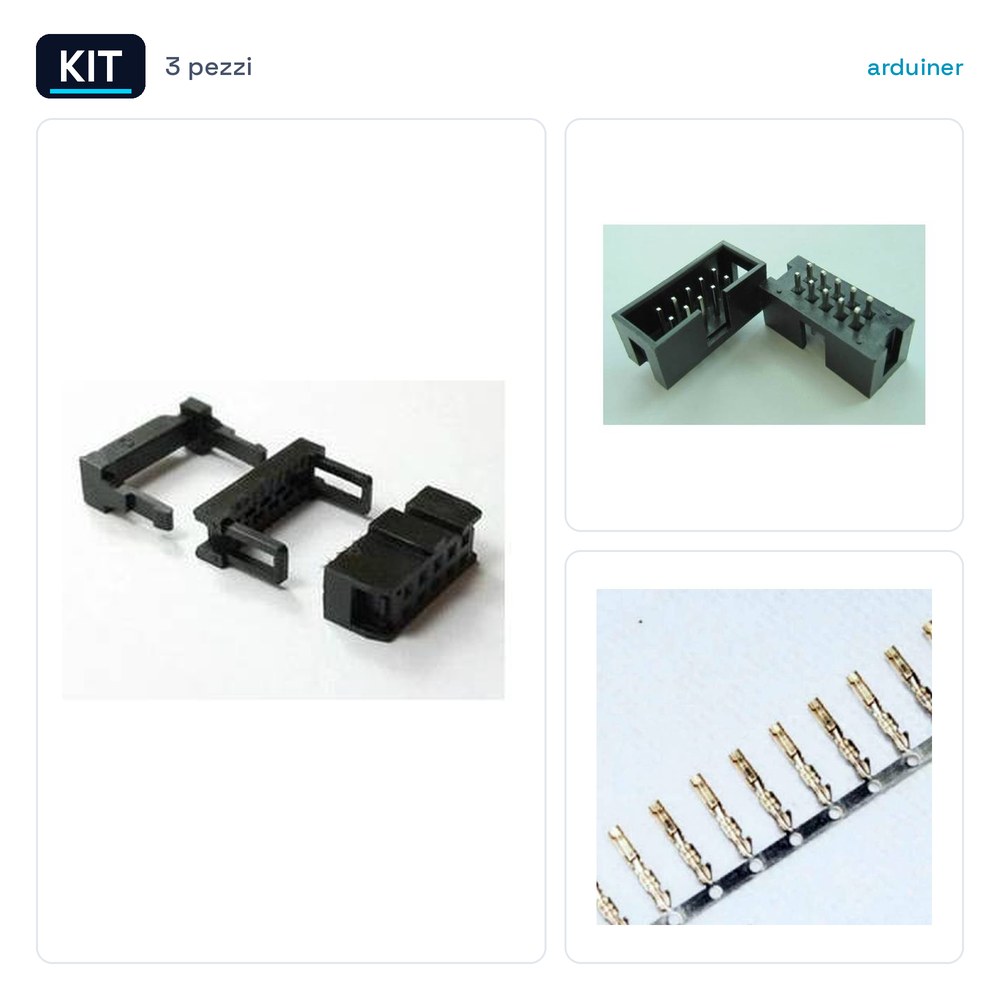
The IDC Ribbon Cable 10-Pin Connector Kit, DC3-10P Connector, and Dupont Terminals is a set of components useful for creating electronic connectors on flat cables. These connectors are designed to facilitate connections between various electronic devices, such as boards, sensors, and other components.
The IDC (Insulation Displacement Connector) for flat cable 10-pin allows for quick connection of flat cables to printed circuits. The DC3-10P connector is an IDC flat cable header socket, useful for JTAG applications and other debug connections. The Dupont terminals are test probes and universal connectors for connecting various types of cables.
This kit is suitable for electronic prototyping projects, circuit testing and debugging, and for creating custom connectors on flat cables.
Key Specifications
| Parameter | Value |
| IDC Connector Model | FC-10P |
| Number of Pins | 10 |
| Pitch | 2.54mm |
| Type | Female Socket |
| Quantity IDC Connector | 4 pieces |
| DC3-10P Connector Model | DC3-10P |
| Number of Pins | 10 |
| Pitch | 2.54mm |
| Type | Header socket |
| Quantity DC3-10P Connector | 4 pieces |
| Dupont Terminal Model | N/D (see manufacturer’s technical specification) |
| Number of Dupont Terminals | 15 pieces |
| Container | Kit |
Installation and Usage
- Ensure that the IDC and DC3-10P connectors are clean and undamaged.
- Connect the ribbon cables to the IDC connectors using the island displacement technique.
- Connect the DC3-10P connectors to printed circuit boards or cables.
- Use Dupont terminals to connect cables to various electronic devices.
- Perform a connectivity test to verify that all connectors are properly connected.
Compatibility and Requirements
- This kit is compatible with various electronic systems that use IDC connectors and 2.54mm header sockets.
- These connectors can be used with motherboards, sensors, and other electronic devices.
- For use, flat cables and devices with compatible connectors are required.
Important Limits and Notes
- This kit does not include connectors for ribbon cables with a pitch different from 2.54mm.
- It is important to verify the compatibility of the connectors with electronic devices.
- Use only appropriate electronic tools for connecting the connectors.
- Make sure to follow safety instructions during installation and use of the connectors.
Troubleshooting
Intermittent connection.
Probable cause: Dirty or damaged contacts.
Solution: Clean or replace the connectors.
Cable not connected properly.
Probable cause: Incorrectly performed island displacement.
Solution: Reinsert the cable and repeat the island displacement procedure.
Unstable connection.
Probable cause: Insufficient contact pressure.
Solution: Check that the connectors are securely fastened.
Damaged cable.
Probable cause: Mishandling during manipulation.
Solution: Replace the cable with a new one.
Use cases
Home Temperature Sensor
Objective: Monitor ambient temperature.
What’s needed: IDC connector and Dupont terminal.
Steps: 1) Connect the temperature sensor to the flat cable. 2) Connect the cable to the IDC connector. 3) Connect the cable to the printed circuit board. 4) Verify connectivity.
Expected result: The temperature sensor is correctly connected and functioning.
Electronic Prototyping Project
Objective: Test a printed circuit board.
What’s needed: DC3-10P connector and Dupont terminal.
Steps: 1) Connect the flat cable to the DC3-10P connector. 2) Connect the cable to the printed circuit board. 3) Verify connectivity. 4) Perform circuit testing.
Expected result: The printed circuit board is tested correctly.
Home Security Alarm System
Objective: Connect motion sensors.
What is needed: IDC connector and Dupont terminal.
Steps: 1) Connect the motion sensors to the flat cables. 2) Connect the cables to the IDC connectors. 3) Connect the cables to the alarm system. 4) Verify connectivity.
Expected result: The motion sensors are correctly connected to the alarm system.
Home automation project
Objective: Connect the light sensors.
What is needed: IDC connector and Dupont terminal.
Steps: 1) Connect the light sensors to the flat cables. 2) Connect the cables to the IDC connectors. 3) Connect the cables to the automation system. 4) Verify connectivity.
Expected result: The light sensors are correctly connected to the automation system.
Traffic monitoring system
Objective: Connect the motion sensors.
What is needed: IDC connector and Dupont terminal.
Steps: 1) Connect the motion sensors to the flat cables. 2) Connect the cables to the IDC connectors. 3) Connect the cables to the monitoring system. 4) Verify connectivity.
Expected result: The motion sensors are correctly connected to the monitoring system.
Electronic test project
Objective: Test the functionality of the connectors.
What is needed: DC3-10P connector and Dupont terminal.
Steps: 1) Connect the flat cable to the DC3-10P connector. 2) Connect the cable to the printed circuit board. 3) Verify connectivity. 4) Perform circuit testing.
Expected result: The DC3-10P connector functions correctly.
Home security system
Objective: Connect the motion sensors.
What is needed: IDC connector and Dupont terminal.
Steps: 1) Connect the motion sensors to the flat cables. 2) Connect the cables to the IDC connectors. 3) Connect the cables to the security system. 4) Verify connectivity.
Expected result: The motion sensors are correctly connected to the security system.
Industrial automation project
Objective: Connect the temperature sensors.
What is needed: IDC connector and Dupont terminal.
Steps: 1) Connect the temperature sensors to the flat cables. 2) Connect the cables to the IDC connectors. 3) Connect the cables to the automation system. 4) Verify connectivity.
Expected result: The temperature sensors are correctly connected to the automation system.
In the package
- 4 pieces IDC Cable Flat 10 Polarity 2.54MM Socket Female FC-10P
- 4 pieces DC3-10P 2.54MM 10 Polarity IDC Ribbon Cable Header socket
- 15 pieces Dupont Terminal
Complete the project
- 4 Pieces DC3-10P 2.54MM Pitch 10-Pin Header Socket for IDC Ribbon Cable JTAG: For IDC connectors with different pitch.
Technical FAQs
How to connect IDC connectors?
Use the island displacement technique to connect flat cables to IDC connectors.
Why is the connection intermittent?
Check that the contacts are clean and that the connectors are securely fastened.
Which connectors are included in the kit?
The kit includes 4 pieces of IDC connector, 4 pieces of DC3-10P connector and 15 pieces of Dupont terminal.
How to verify the connectivity of the connectors?
Perform a connectivity test using a multimeter to check the continuity of the contacts.

Reviews
There are no reviews yet.