 EN
 IT Italiano
 ES Español
 FR Français
 DE Deutsch
Description
Technical Description
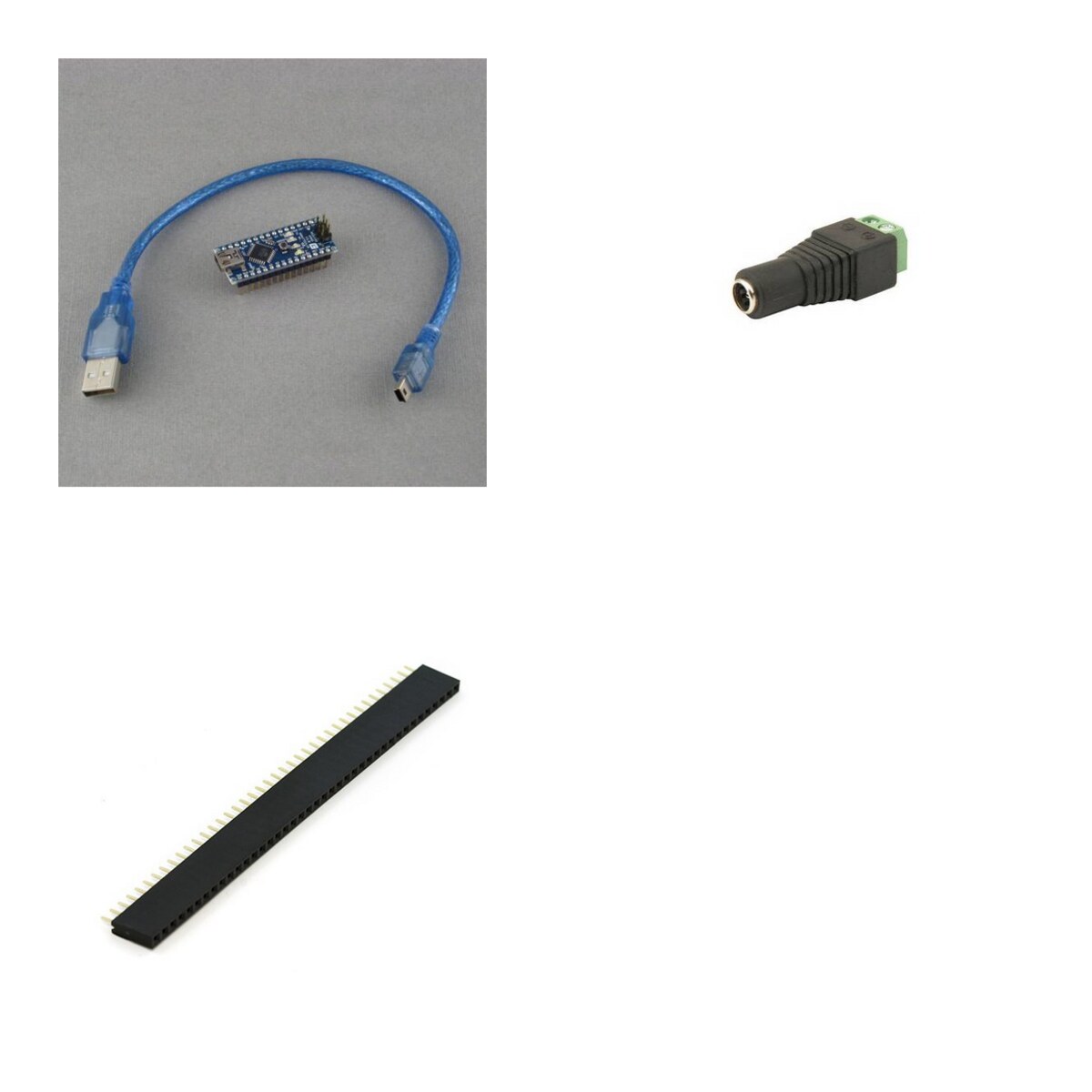
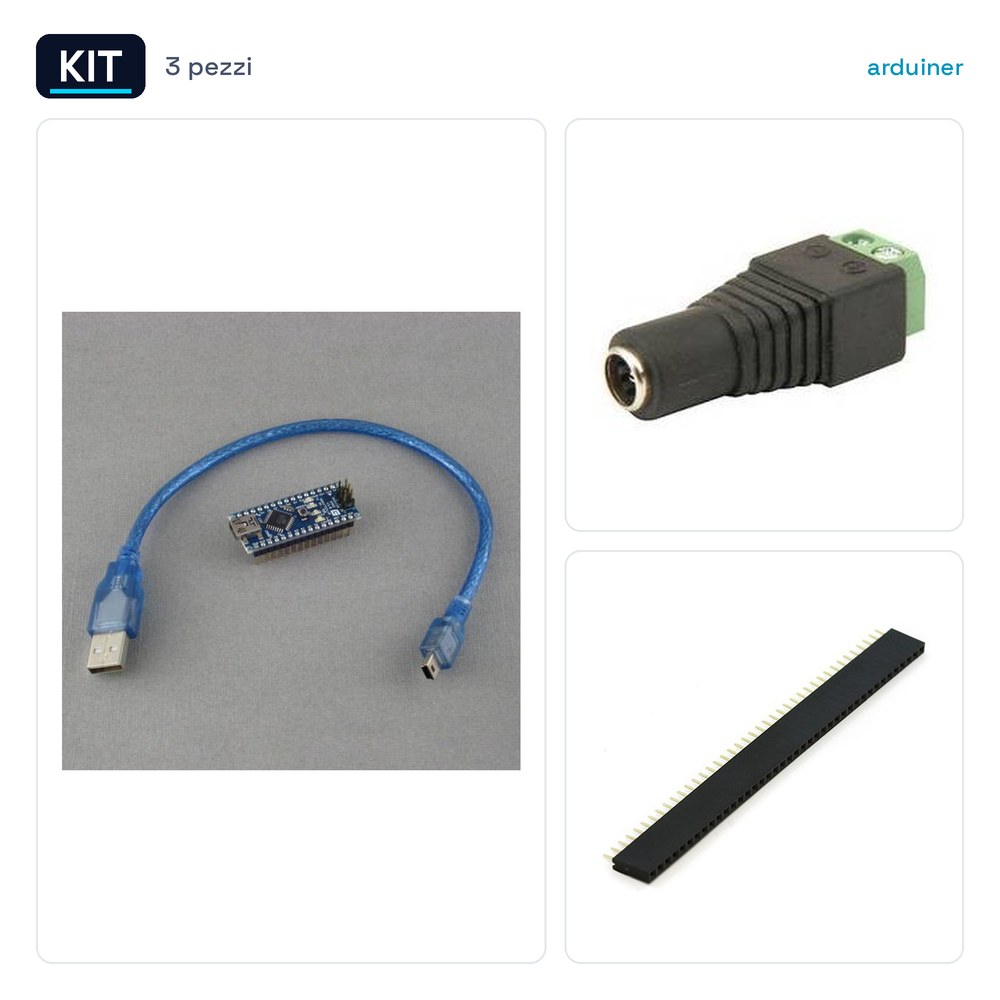
The MINI USB CABLE 30cm FOR NANO + DC Green Power Female + 4 Pieces Strip Female 2.54mm Kit is a set of connectors and cables used for programming and powering microcontrollers such as Arduino. The Mini USB cable allows the microcontroller to be connected to a computer for code transfer and configuration. The DC Green Power Female connector provides continuous power to electronic circuits, while the Strip Female 2.54mm connectors are used to connect various electronic devices.
The kit includes a 30 cm Mini USB cable, a DC Green Power Female connector, and four 2.54mm Strip Female connectors. These components are essential for the implementation of electronic projects and prototypes that require stable and secure connections.
For installation, it is important to check that all connectors are properly inserted and that there are no signs of damage or corrosion that could compromise the connection.
Key Specifications
| Parameter | Value |
| Connector Type | Mini USB |
| Cable Length | 30 cm |
| Power Supply Type | DC Green Power Female |
| Number of Female 2.54mm Strips | 4 pieces |
| Number of Contacts per Female Strip | 1 * 40 |
| Container | N/D (see manufacturer’s technical sheet) |
Installation and Usage
- Connect the Mini USB cable to the Arduino Nano microcontroller.
- Insert the DC Green Power Female connector into the device’s power supply socket.
- Connect the 2.54mm Female Strip Connectors to electronic circuits.
- Check the electrical connection with a multimeter.
- Perform a system functionality test.
Compatibility and Requirements
- The kit is compatible with Arduino Nano and other microcontrollers compatible with Mini USB connectors.
- The DC Green Power Female connector is suitable for DC power supplies connected to electronic systems.
- The 2.54mm Female Strip Connectors can be used with various electronic devices that use IDC connectors.
Limitations and Important Notes
- The kit is not designed for applications with voltages higher than those specified.
- It is necessary to ensure that the connectors are adequately protected against moisture and dust ingress.
- It is not recommended to use the kit in environments with extreme temperatures or high humidity conditions.
- Ensure that the connectors are properly secured to prevent damage during use.
Troubleshooting
The microcontroller is not recognized by the computer.
Probable cause: The Mini USB cable may be damaged or not inserted correctly.
Solution: Check the cable insertion and replace it if necessary.
The device does not turn on.
Probable cause: The DC Green Power Female connector may not be inserted correctly or the power supply may not be providing the correct voltage.
Solution: Check the connection and verify the voltage provided by the power supply.
The 2.54mm Female Strip connectors do not connect properly.
Probable cause: The connectors may be damaged or not inserted correctly.
Solution: Check the connector insertion and replace them if necessary.
The electronic system does not work correctly.
Possible cause: There may be connection or power supply issues.
Solution: Check all connections and ensure the power supply is correct.
Use cases
Parking sensor for the garage
Objective: Create an alarm system for the parking area.
What is needed: Kit MINI USB CABLE 30cm FOR NANO + DC Green Power Female + 4 Pieces Strip Female 2.54mm
Steps: 1) Connect the distance sensor to the Arduino Nano microcontroller. 2) Insert the DC Green Power Female connector into the power supply. 3) Connect the Strip Female 2.54mm connectors to the sensors. 4) Configure the microcontroller to detect the presence of vehicles. 5) Test the system.
Expected result: The alarm system works correctly, detecting the presence of vehicles in the garage.
Climate control system
Objective: Regulate the humidity and temperature of an environment.
Required: MINI USB Cable 30cm for NANO + DC Green Power Female + 4 Pieces of Strip Female 2.54mm
Steps: 1) Connect the temperature and humidity sensors to the microcontroller. 2) Insert the DC Green Power Female connector into the power supply. 3) Connect the Strip Female 2.54mm connectors to the sensors. 4) Configure the microcontroller to regulate humidity and temperature. 5) Test the system.
Expected Result: The climate control system correctly regulates the humidity and temperature of the environment.
Home Security System
Objective: Monitor the entry of a house.
Required: MINI USB Cable 30cm for NANO + DC Green Power Female + 4 Pieces of Strip Female 2.54mm
Steps: 1) Connect the motion sensors to the microcontroller. 2) Insert the DC Green Power Female connector into the power supply. 3) Connect the 2.54mm Strip Female connectors to the sensors. 4) Configure the microcontroller to detect motion. 5) Test the system.
Expected result: The home security system correctly detects movements at the entrance of the house.
Traffic Control System
Objective: Regulate the flow of vehicles in a parking lot.
What’s needed: MINI USB 30cm CABLE FOR NANO + DC Green Power Female + 4 Pieces Strip Female 2.54mm
Steps: 1) Connect the motion sensors to the microcontroller. 2) Insert the DC Green Power Female connector into the power supply. 3) Connect the 2.54mm Strip Female connectors to the sensors. 4) Configure the microcontroller to detect vehicles. 5) Test the system.
Expected outcome: The traffic control system correctly regulates the flow of vehicles in the parking lot.
Pedestrian Traffic Control System
Objective: To regulate the flow of pedestrians in an area.
What’s needed: Mini USB Cable 30cm for Nano + DC Green Power Female + 4 Pieces Strip Female 2.54mm
Steps: 1) Connect the motion sensors to the microcontroller. 2) Insert the DC Green Power Female connector into the power supply. 3) Connect the Strip Female 2.54mm connectors to the sensors. 4) Configure the microcontroller to detect pedestrians. 5) Test the system.
Expected outcome: The pedestrian traffic control system correctly regulates the flow of pedestrians in the area.
Pedestrian Traffic Control System
Objective: To regulate the flow of pedestrians in an area.
What’s needed: Mini USB Cable 30cm for Nano + DC Green Power Female + 4 Pieces Strip Female 2.54mm
Steps: 1) Connect the motion sensors to the microcontroller. 2) Insert the DC Green Power Female connector into the power supply. 3) Connect the 2.54mm Strip Female connectors to the sensors. 4) Configure the microcontroller to detect pedestrians. 5) Test the system.
Expected outcome: The pedestrian traffic control system regulates the pedestrian flow in the area correctly.
Pedestrian Traffic Control System
Objective: To regulate the pedestrian flow in an area.
What’s needed: MINI USB 30cm CABLE FOR NANO + DC Green Power Female + 4 Pieces 2.54mm Strip Female
Steps: 1) Connect the motion sensors to the microcontroller. 2) Insert the DC Green Power Female connector into the power supply. 3) Connect the 2.54mm Strip Female connectors to the sensors. 4) Configure the microcontroller to detect pedestrians. 5) Test the system.
Expected Outcome: The pedestrian traffic control system correctly regulates the flow of pedestrians in the area.
Pedestrian Traffic Control System
Objective: To regulate the flow of pedestrians in an area.
What’s needed: Mini USB Cable 30cm for Nano + DC Green Power Female + 4 Pieces Strip Female 2.54mm
Steps: 1) Connect the motion sensors to the microcontroller. 2) Insert the DC Green Power Female connector into the power supply. 3) Connect the Strip Female 2.54mm connectors to the sensors. 4) Configure the microcontroller to detect pedestrians. 5) Test the system.
Expected Outcome: The pedestrian traffic control system correctly regulates the flow of pedestrians in the area.
In the package
- Mini USB Cable 30cm for Nano + DC Green Power Female + 4 Pieces Strip Female 2.54mm
Complete the project
- Mini USB Cable 30cm for Nano: The 30cm USB 2.0 A Male to Panel USB Female with screws cable is useful for a stable and secure connection of devices.
Technical FAQs
Why is the microcontroller not recognized by the computer?
Check that the Mini USB cable is correctly inserted and that there is no damage to the connector.
Why does the device not turn on?
Check that the DC Green Power Female connector is correctly inserted and that the power supply provides the correct voltage.
What are the usage limits of the kit?
The kit is not designed for applications with voltages higher than those specified and is not suitable for environments with extreme temperatures or high humidity.
What are the steps to install the kit?
Connect the Mini USB cable to the microcontroller, insert the DC Green Power Female connector into the power supply, and connect the Strip Female 2.54mm connectors to the electronic circuits.
Reviews
There are no reviews yet.