

Description
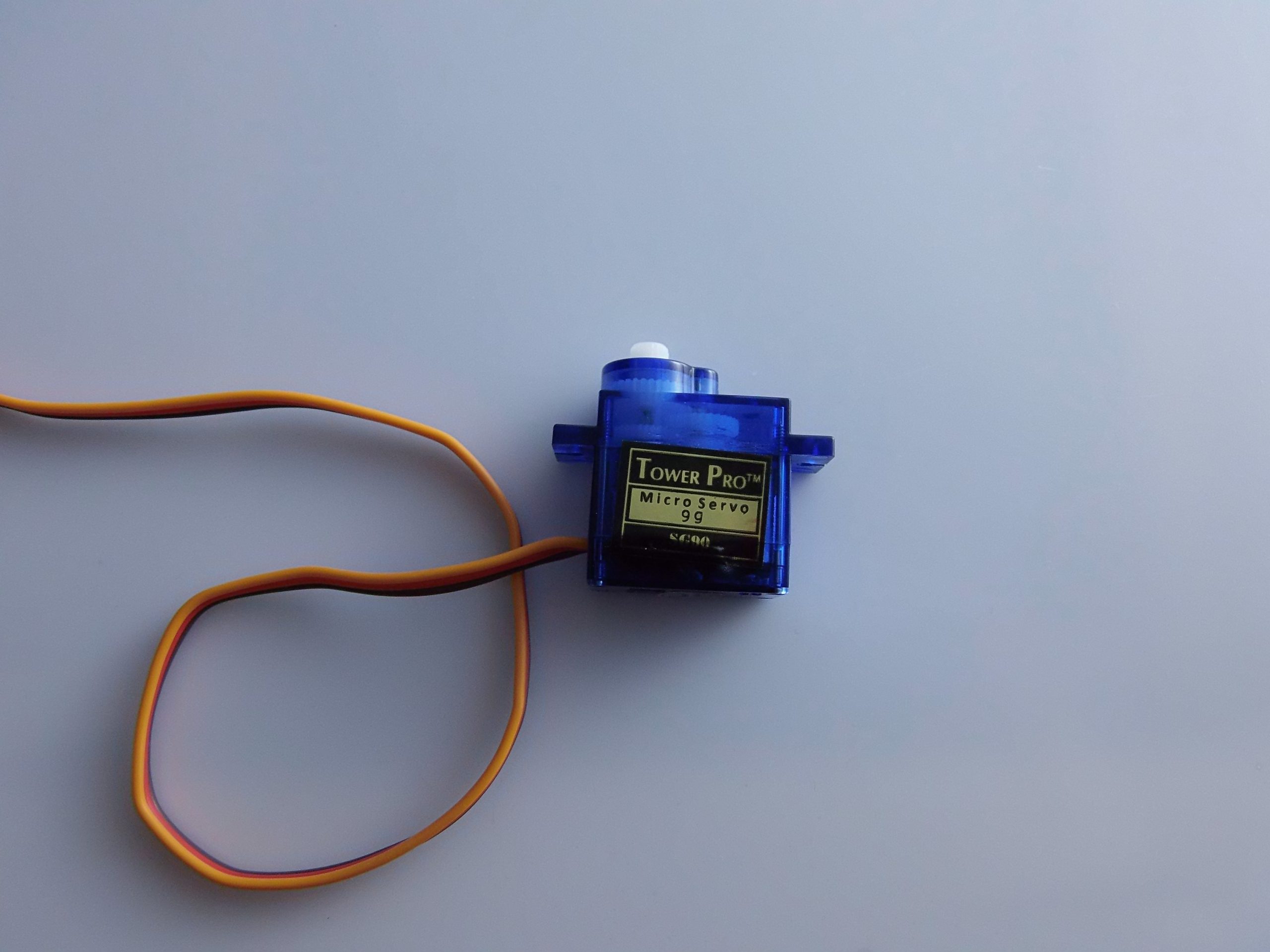
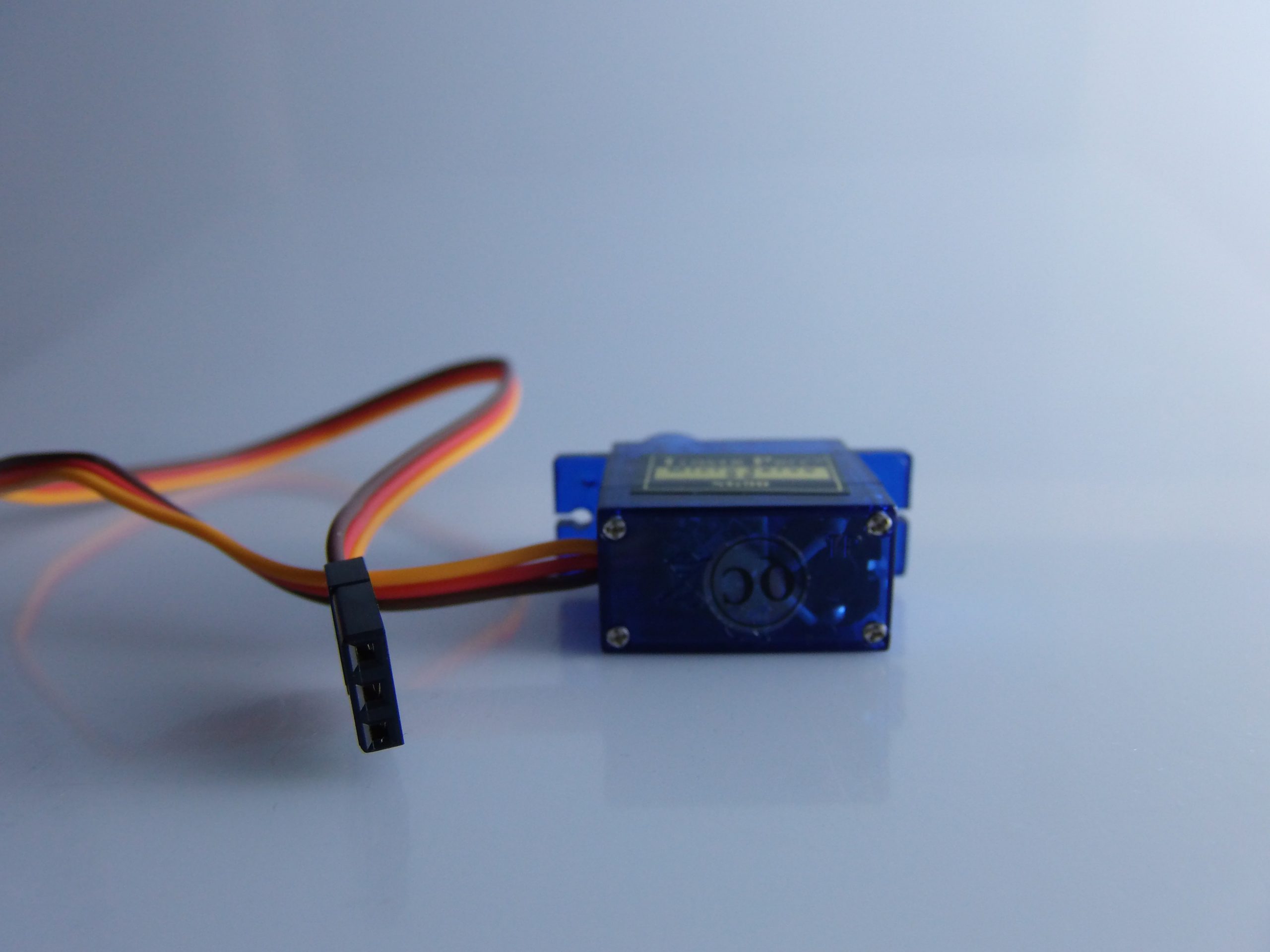
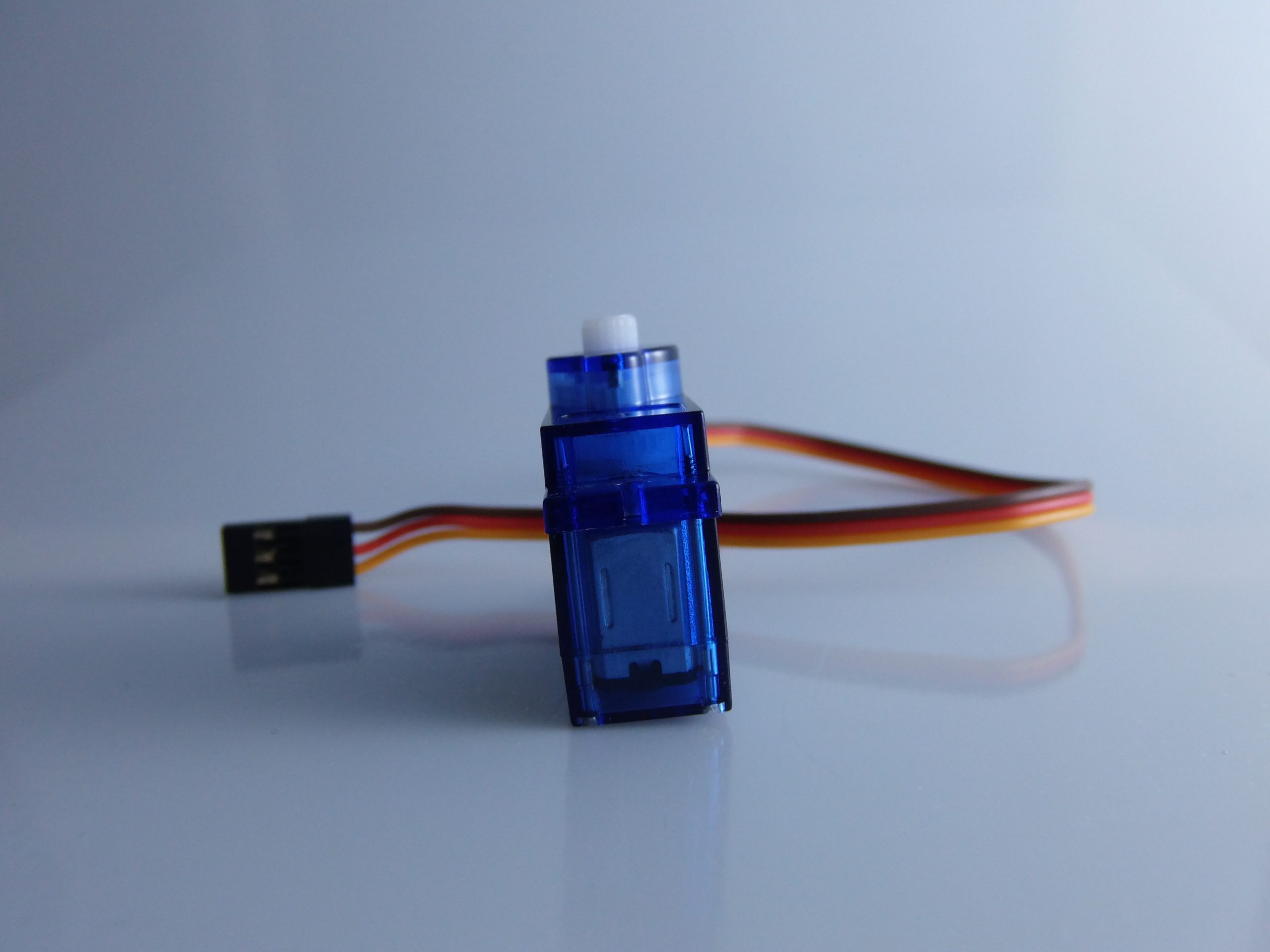
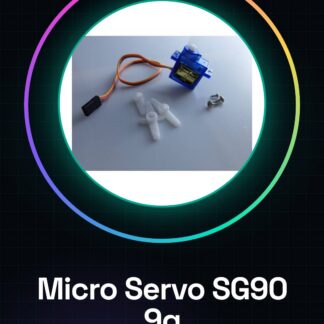
🛠 Complete Description of the Micro Servo 9g SG90 The Micro Servo SG90 9g is a small servo motor commonly used in RC modelling (helicopters, aircraft), amateur robotics, Arduino projects, and DIY automation. It is appreciated for its light weight, low cost, and ease of use.
✅ Technical Specifications:
– Model: SG90 Micro Servo
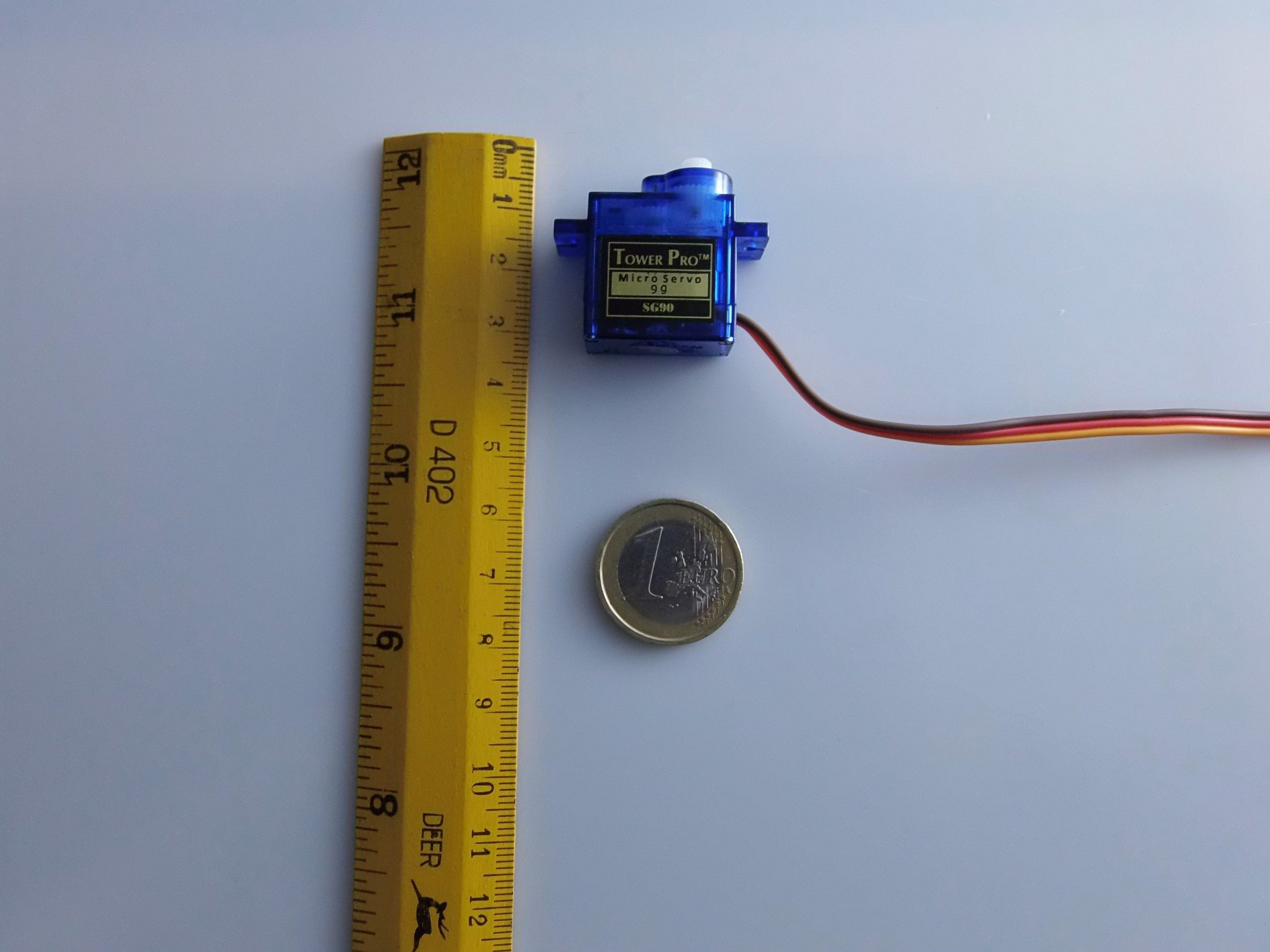
– Weight: 9g
– Torque: 1.8 kg/cm (at 4.8V)
– Operating Voltage: 4.8V – 6V
– Rotation Angle: Approximately 180° (mechanically limited)
– Speed: 0.12 sec/60° (at 4.8V)
– Control Type: PWM (Pulse Width Modulation)
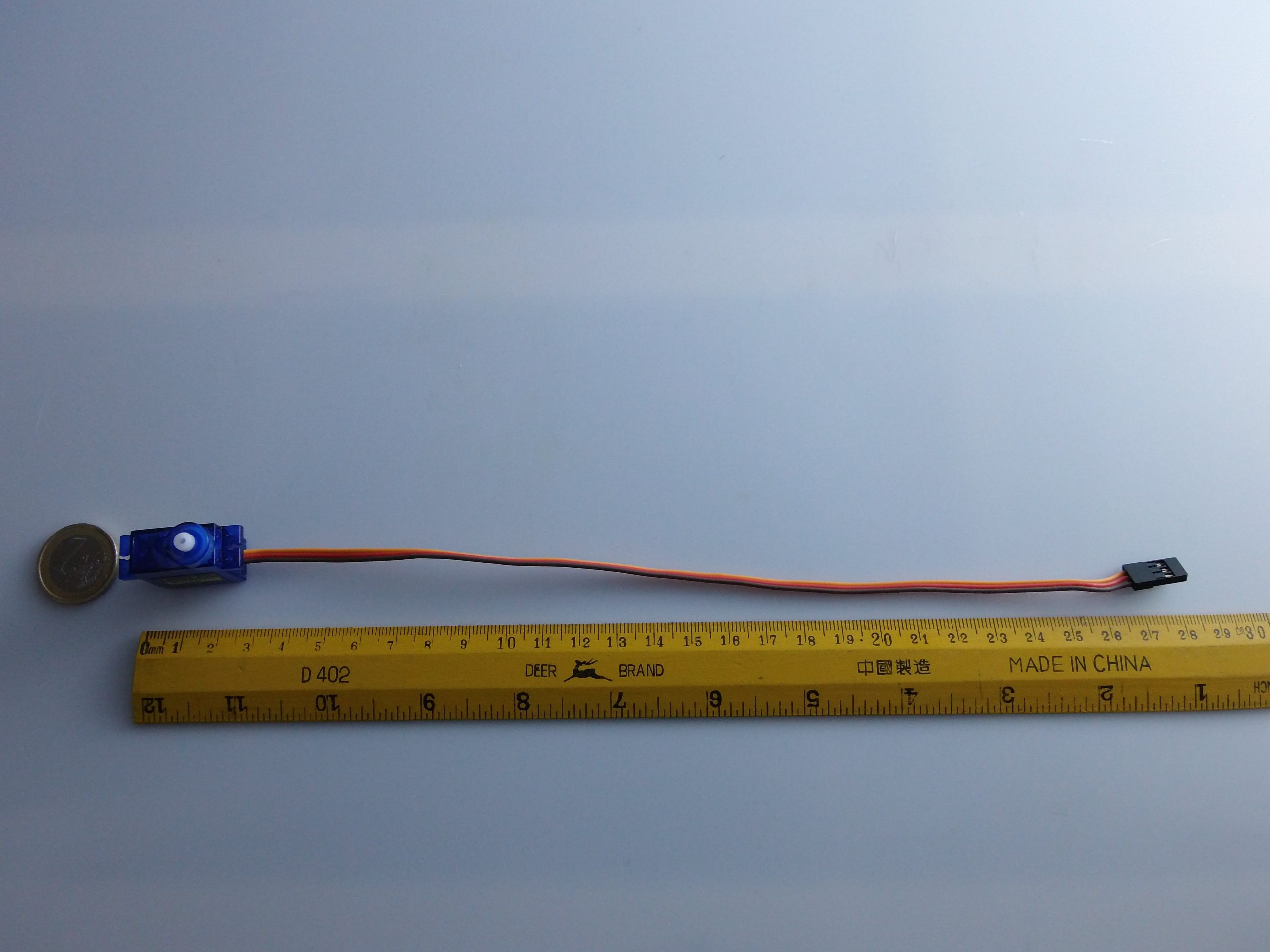
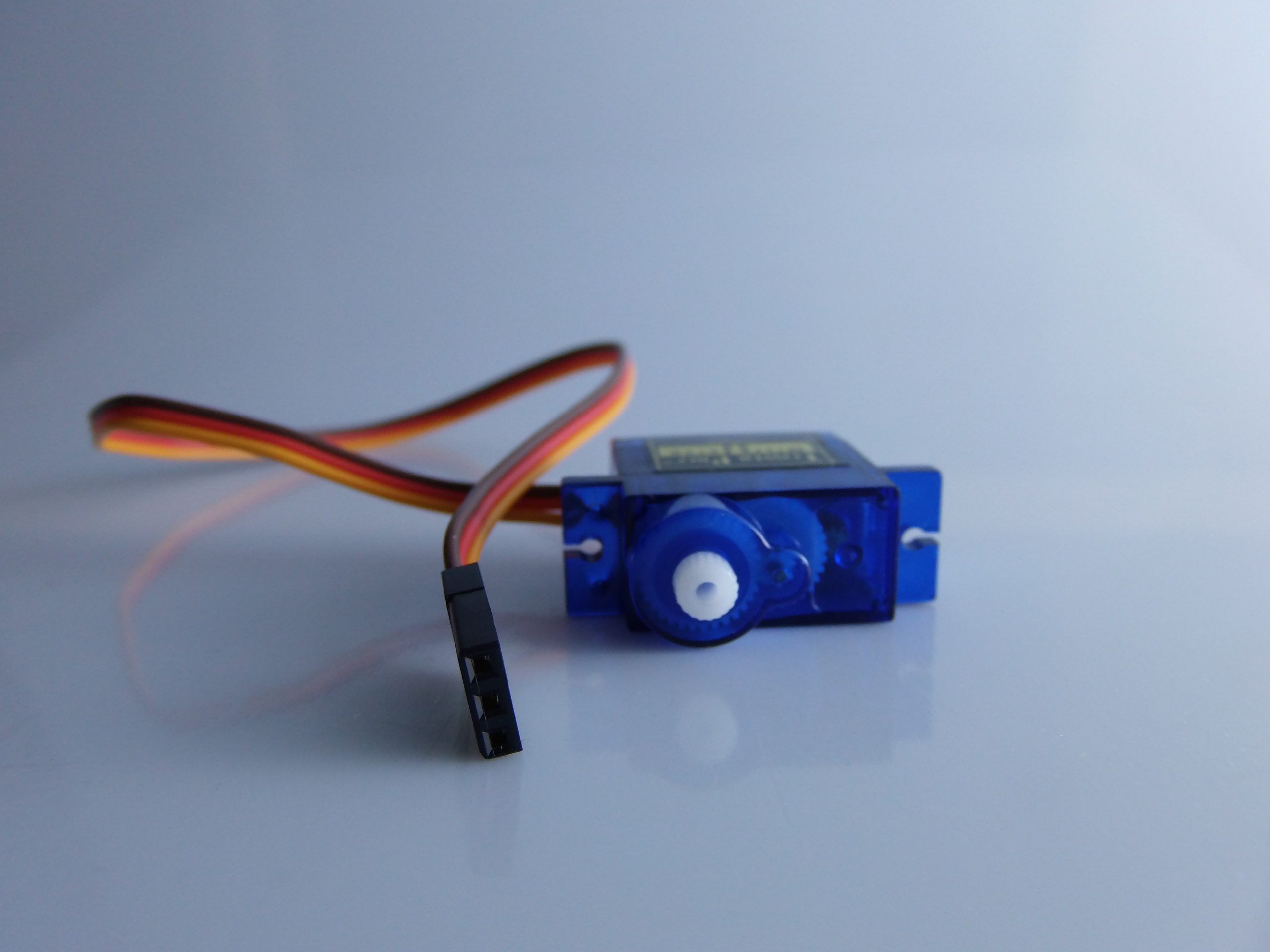
– Connectors: 3 pin: GND (brown), VCC (red), signal (orange)
– Gear Material: Nylon
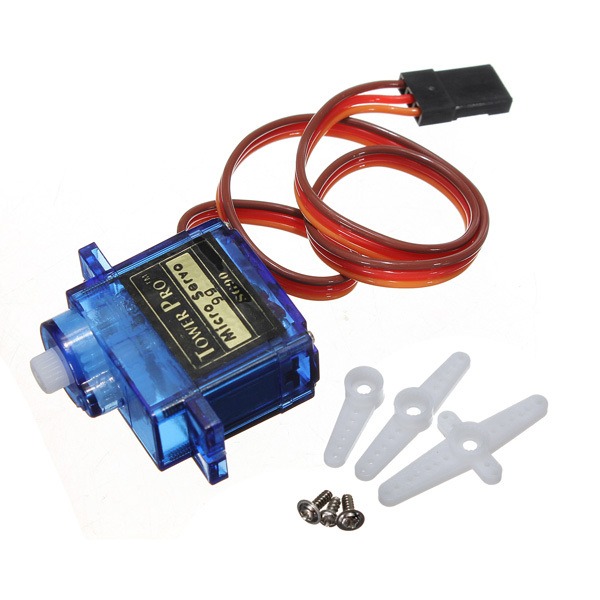
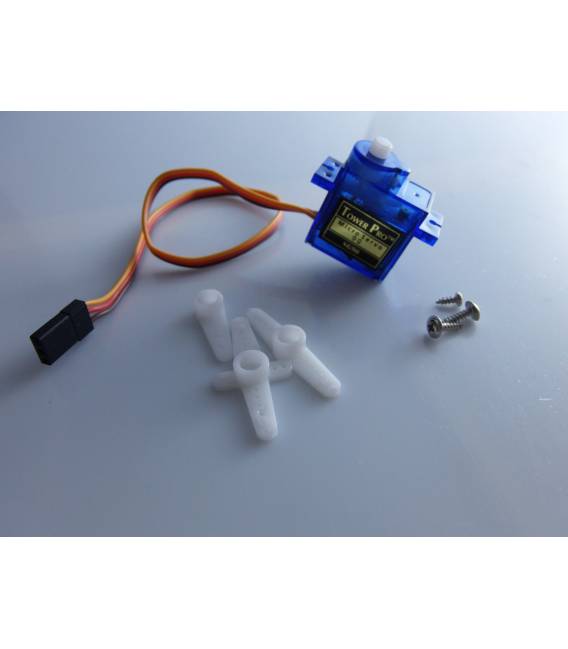
📦 Typical Package Contents:
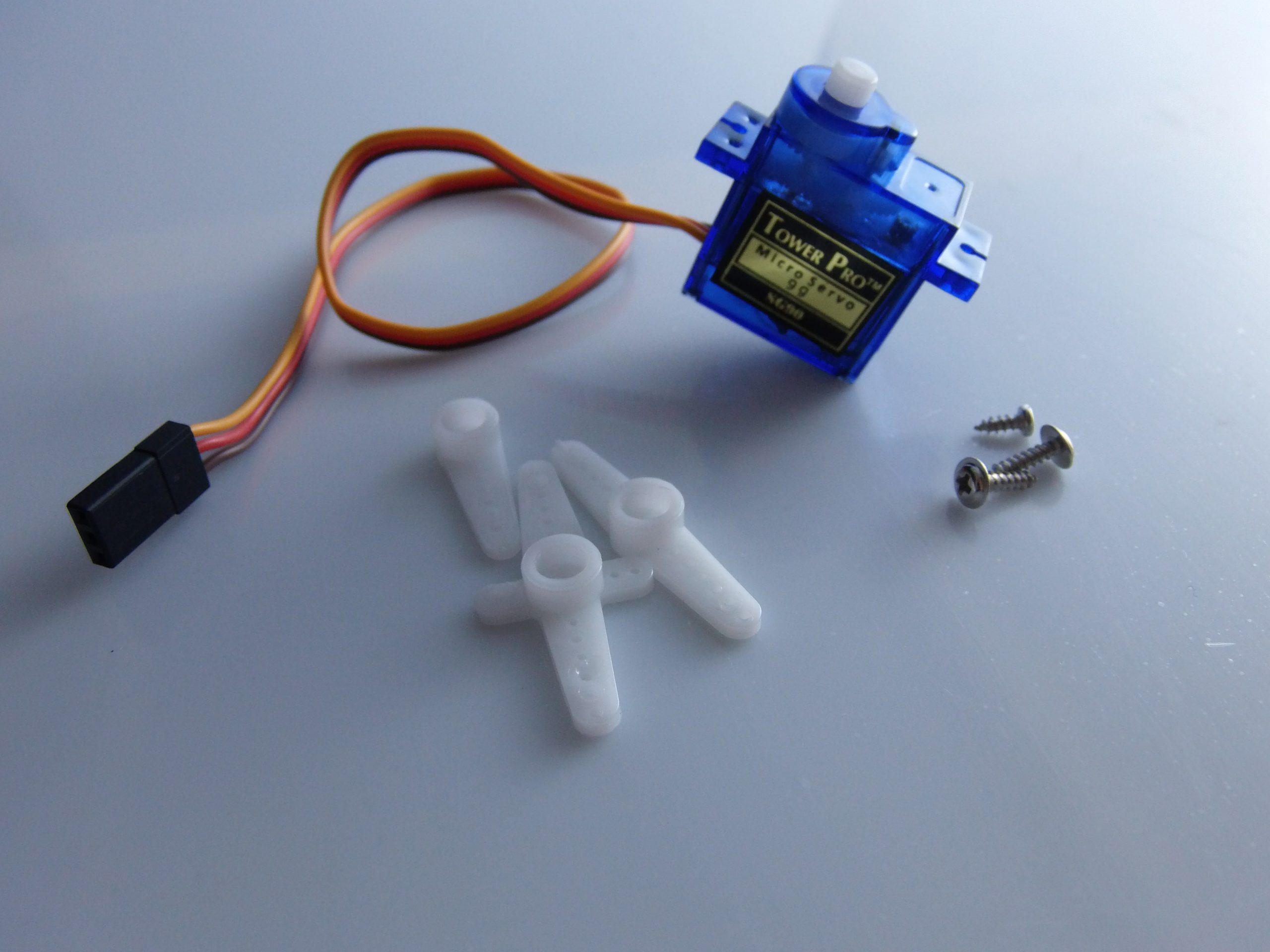
– 1x Micro Servo SG90
– 3x Brackets (horns)
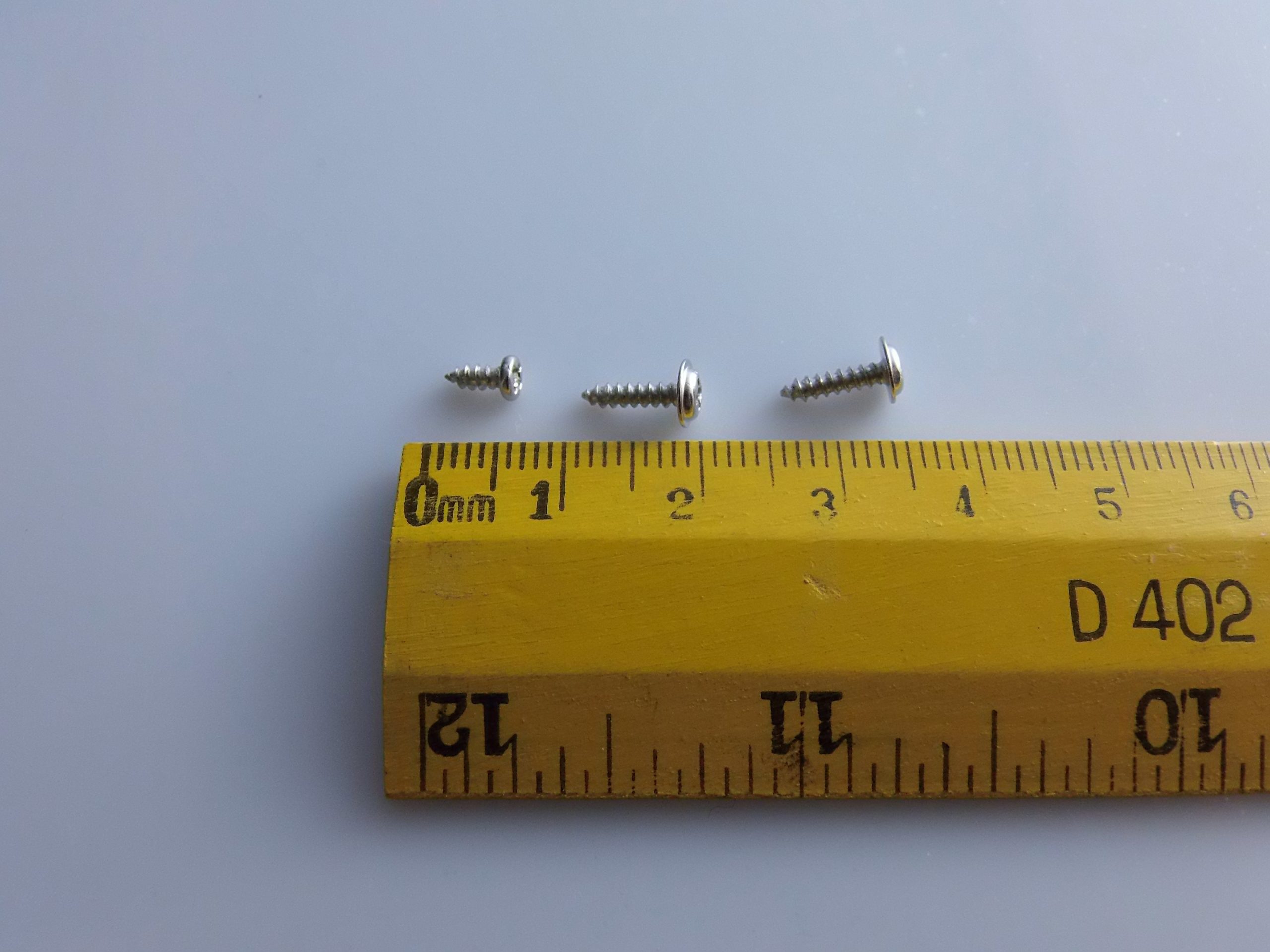
– 3x Screws
🔌 Connecting the Micro Servo SG90 to Arduino
Servo Arduino UNO
GND (brown) -> GND
VCC (red) -> 5V
Signal (orange) -> Digital Pin (e.g., D9)
⚠️ Note: For multiple servos or heavy loads, use an external power supply (5V) to avoid overloading the Arduino.
🔧 Required Library for Arduino
Arduino has an official library called Servo.h that greatly simplifies servo usage.
📦 Installation (if not already present):
– Open the Arduino IDE
– Go to: Sketch > Include Library > Manage Libraries…
– Search for “Servo” and install the official one from Arduino
🧪 Basic Code Example
🎯 Objective: Rotate the servo from 0° to 180° and back
“`cpp
#include
Servo myServo; // Create a servo object
void setup() {
myServo.attach(9); // Connect the servo to pin 9
}
void loop() {
for (int angle = 0; angle = 0; angle–) {
myServo.write(angle);
delay(15);
}
delay(500);
}
“`
💡 Advanced Usage Examples
📍 Control via Potentiometer
“`cpp
#include
Servo myServo;
int potPin = A0; // Potentiometer connected to A0
void setup() {
myServo.attach(9);
}
void loop() {
int reading = analogRead(potPin); // Read the value (0–1023)
int angle = map(reading, 0, 1023, 0, 180); // Convert to degrees
myServo.write(angle);
delay(10);
}
“`
🎮 Control via Serial
“`cpp
#include
Servo myServo;
void setup() {
Serial.begin(9600);
myServo.attach(9);
Serial.println(“Enter an angle between 0 and 180:”);
}
void loop() {
if (Serial.available() > 0) {
int angle = Serial.parseInt();
if (angle >= 0 && angle <= 180) {
myServo.write(angle);
Serial.print("Angle set to: ");
Serial.println(angle);
}
}
}

Reviews
There are no reviews yet.