 EN
EN IT Italiano
 ES Español
 FR Français
 DE Deutsch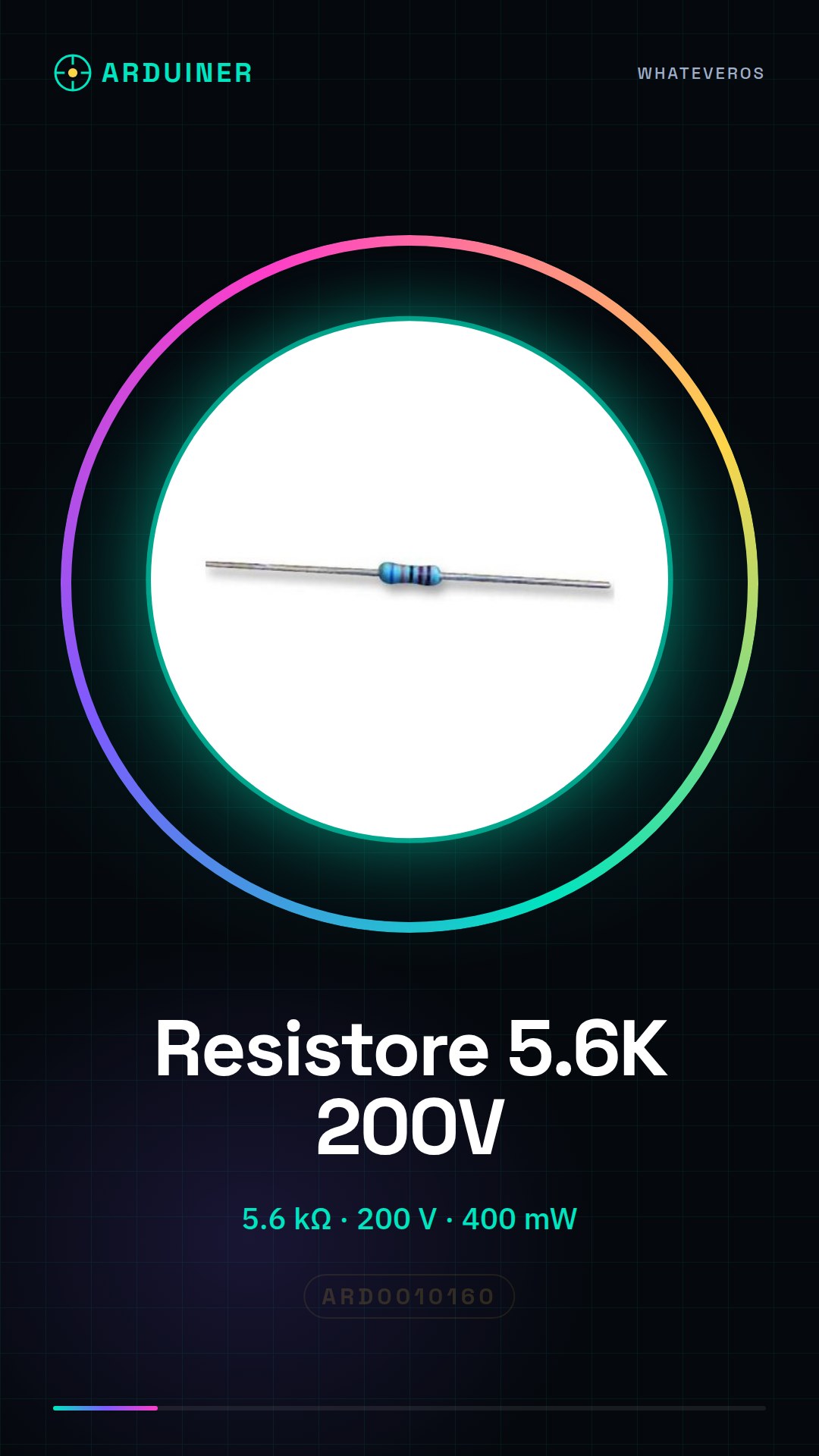
Description
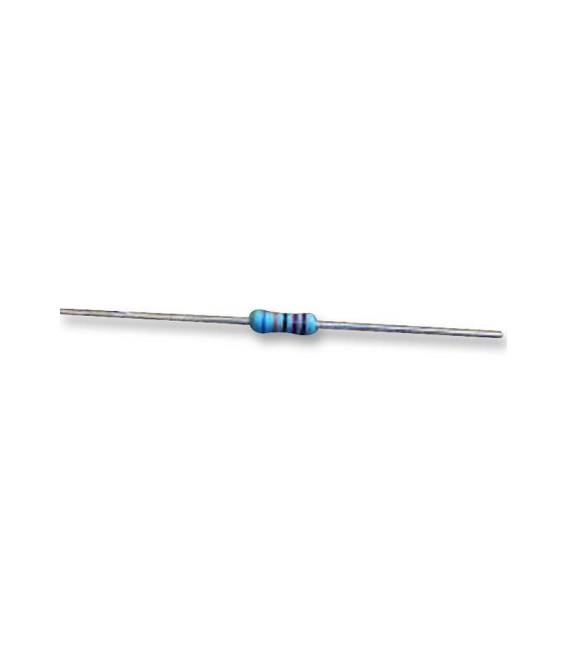
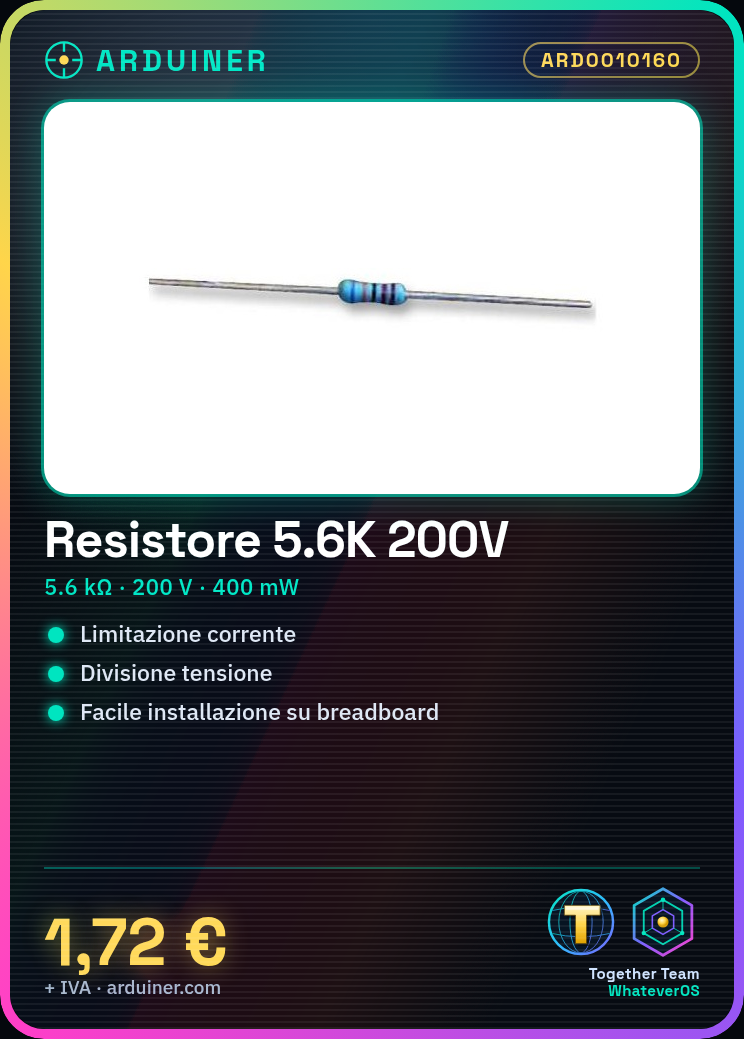
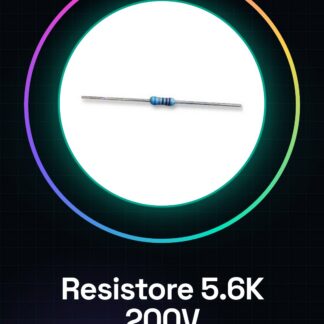
Tutorial: How to Use MFR3-5K6FC Through-Hole Resistor The MFR3-5K6FC through-hole resistor is a fundamental component for electronic projects requiring current limiting or voltage division. This guide helps you effectively use it. What you need Arduino Uno Kit Breadboard Jumper wires Steps Verify the resistor’s resistance and specifications (5.6 kohm, ±1%) by consulting the datasheet if necessary. Connect the breadboard to the computer via Arduino Uno or a compatible microcontroller. Use jumper wires to connect the resistor’s axial conductor to desired points on the breadboard. Verify the correct electrical installation with a measuring tool like a multimeter. Write an Arduino sketch to test the circuit (see below). Monitor the data through the Arduino IDE Serial Monitor. Recalibrate or replace the resistor if necessary, based on your measurements and project requirements. Example code // Minimal sketch to test the resistor void setup() { Serial.begin(9600); } void loop() { int sensorValue = analogRead(A0); // Read the value from pin A0 float voltage = (sensorValue / 1024.0) * 5.0; // Convert to voltage Serial.println(voltage); } Mini-project Create a simple circuit to measure the resistance with Arduino and display the data on the Serial Monitor. Common errors Incorrect connection of the axial conductor to the breadboard or microcontroller. Choosing an inappropriate resistor for the maximum circuit voltage (200 V). Omitting verification of data with measuring tools before implementation in the project. Recommended accessories Arduino Uno R3 Kit Breadboard 400 points Arduino jumper wires Multimeter Frequently asked questions What is the difference between a through-hole resistor and a standard one? The through-hole resistor has axial conductors that facilitate installation on a breadboard, while a standard resistor might have other types of connectors. How can I verify the actual resistance? Use a multimeter to measure the exact resistance of the component.
Reviews
There are no reviews yet.