 EN
 IT Italiano
 ES Español
 FR Français
 DE Deutsch
Description
Technical Description
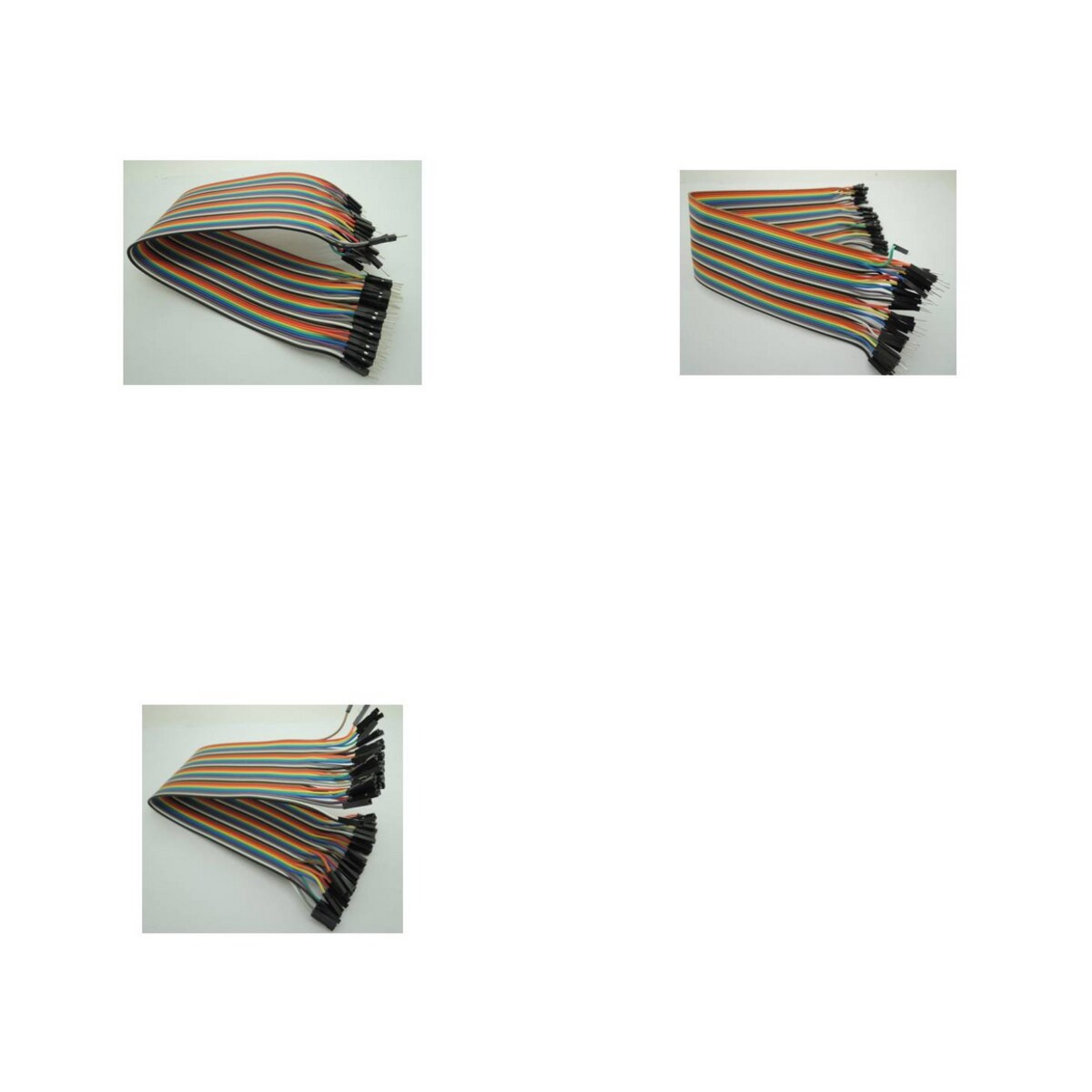
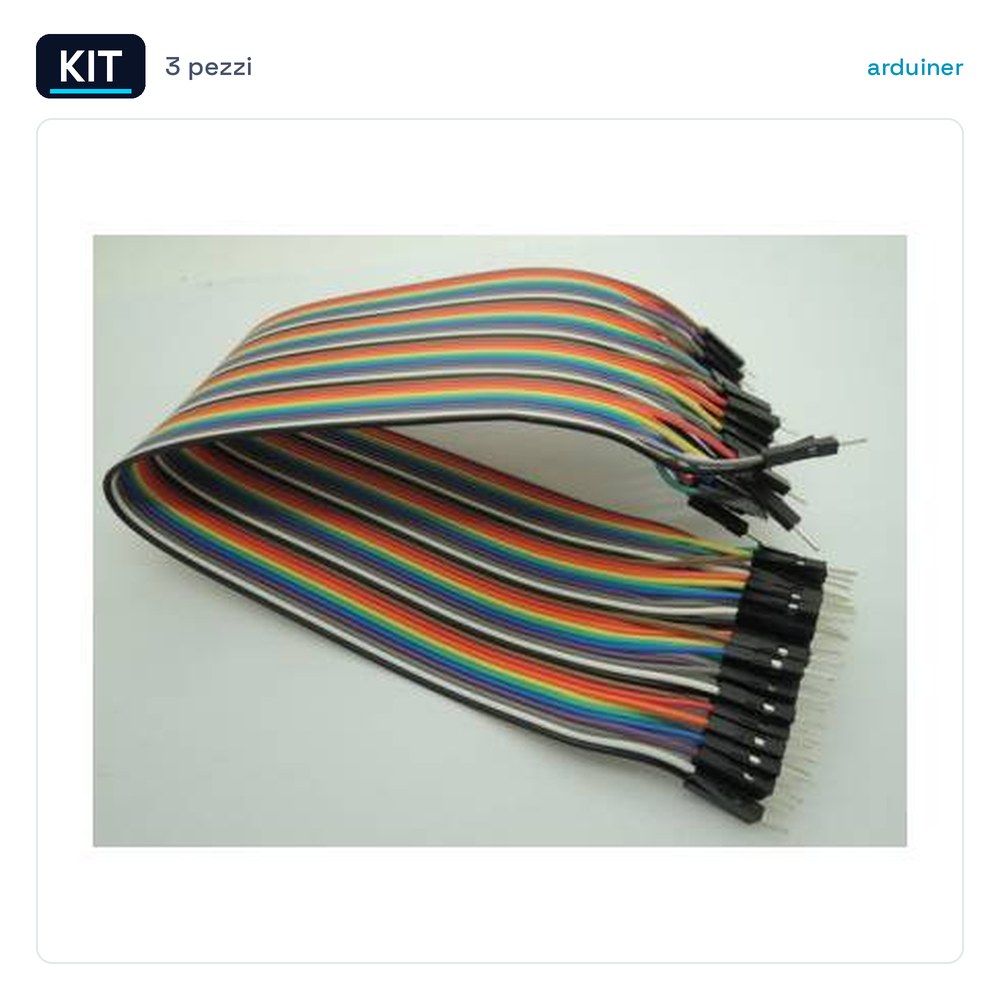
The Rainbow Wire 40P Male to Male, Male to Female, and Female to Female Kit is a set of connectors designed for electronic connectivity. These wires are suitable for connecting various electronic devices to each other, allowing data transmission and power supply.
Each wire features 40 pins, ensuring precise and reliable connectivity. The 30 cm length provides sufficient reach for connections without compromising maintainability.
This kit is particularly useful for prototyping, testing, and developing electronic circuits, offering a versatile and robust connectivity solution.
Key Specifications
| Parameter | Value |
| Model | Kit 30CM Rainbow Wire 40P Male to Male + 30CM Rainbow Wire 40P Males + 30CM Rainbow Wire 40P Females |
| Quantity | 1 |
| Length | 30CM |
| Number of Pins | 40 |
| Connector Type | Male to Male, Male to Female, Female to Female |
| Container | N/D (see manufacturer’s technical sheet) |
Installation and Usage
- Check that the connectors are clean and undamaged.
- Connect the cables to electronic devices using the appropriate connectors.
- Verify the correct pin connection.
- Power up the connected devices.
- Perform a functionality test to verify connectivity.
Compatibility and Requirements
- This kit is compatible with a wide range of boards and electronic systems, such as Arduino Uno, Arduino Mega, Arduino Leonardo, and others.
- An appropriate connector is required for each device to be connected.
- The kit is suitable for prototyping and testing projects where stable and reliable connectivity is needed.
Limitations and Important Notes
- The cables are not designed for external or outdoor connections.
- Ensure that the connectors are properly inserted to avoid short circuits.
- Do not use the kit in environments with high humidity or direct exposure to weather conditions.
Troubleshooting
The cables do not connect properly.
Probable cause: The connectors may be damaged or dirty.
Solution: Check and clean the connectors, replace the cables if necessary.
The devices do not communicate properly.
Probable cause: The pins of the connectors may not be properly aligned.
Solution: Check the alignment of the pins and retry the connection.
The devices do not respond to power.
Probable cause: The connectors may not be fully inserted.
Solution: Check the full insertion of the connectors and retry the power.
The devices do not respond during testing.
Possible cause: The kit may not be compatible with the device.
Solution: Check the compatibility of the kit with the device and try reconnecting.
Use cases
Home Automation Project
Objective: Connect sensors and actuators to a control system.
What’s needed: Rainbow Wire 40P Kit
Steps: 1) Connect the sensors to the connectors. 2) Connect the connectors to the control system. 3) Perform a functionality test.
Expected result: The control system correctly detects data from the sensors.
Arduino Prototyping Project
Objective: Connect various components to test a circuit.
What’s needed: Rainbow Wire 40P Kit
Steps: 1) Connect the components to the connectors. 2) Connect the connectors to the Arduino. 3) Perform a functionality test.
Expected result: The circuit functions correctly during the test.
Electronic Circuit Testing Project
Objective: To verify connectivity between various components.
What’s needed: Rainbow Wire 40P Kit
Steps: 1) Connect components to the connectors. 2) Connect the connectors to each other. 3) Perform a functionality test.
Expected outcome: The connectivity between components is stable and reliable.
Industrial Automation Project
Objective: To connect sensors and actuators to an industrial control system.
What’s needed: Rainbow Wire 40P Kit
Steps: 1) Connect sensors to the connectors. 2) Connect the connectors to the control system. 3) Perform a functionality test.
Expected outcome: The control system correctly detects data from the sensors.
Electronic Lab Project
Objective: To test connectivity between various electronic components.
What’s needed: Rainbow Wire 40P Kit
Steps: 1) Connect components to the connectors. 2) Connect the connectors to each other. 3) Perform a functionality test.
Expected result: The connectivity between components is stable and reliable.
Electronic Maintenance Project
Objective: Repair and test electronic circuits.
What’s needed: Rainbow Cable Kit 40P
Steps: 1) Connect components to the connectors. 2) Connect the connectors to each other. 3) Perform a functionality test.
Expected result: The electronic circuits function correctly after repair.
Electronic Component Testing Project
Objective: Verify the functionality of various electronic components.
What’s needed: Rainbow Cable Kit 40P
Steps: 1) Connect components to the connectors. 2) Connect the connectors to each other. 3) Perform a functionality test.
Expected result: The electronic components function correctly during the test.
Print Circuit Board Prototyping Project
Objective: Connect various components to test a print circuit board.
What’s needed: Rainbow Cable 40P Kit
Steps: 1) Connect components to the connectors. 2) Connect the connectors to the print circuit board. 3) Perform a functionality test.
Expected outcome: The print circuit board functions correctly during the test.
In the package
- 1 Kit 30CM Rainbow Cable 40P Male to Male + 30CM Rainbow Cable 40P Males + 30CM Rainbow Cable 40P Females
Complete the project
- 30CM Rainbow Cable 40P Male to Female: It is used to connect electronic devices reliably.
- 10CM Rainbow Cable 40P Male to Male: It is used to electrically power connected devices.
- 30cm USB 2.0 A Male to Panel USB Female Screw Terminal Cable: It is used to connect electronic devices in a stable and reliable manner.
- HDMI Male to Male Cable Length 30CM: Serves to connect electronic devices in a versatile and robust manner.
- 30CM Dupont 3P Male to Male Parallel 3 Pin Jumper Wire Arduino 3d Printer: Serves to connect electronic devices in a precise and reliable manner.
Technical FAQ
What connectors are included in the kit?
The kit includes a 40P Male to Male cable, a 40P Male to Female cable, and a 40P Female to Female cable.
Why do devices not communicate correctly?
The pins of the connectors may not be properly aligned. Check the alignment of the pins and try reconnecting.
What are the usage limitations of the kit?
The cables are not designed for external or outdoor connections. Do not use the kit in environments with high humidity or direct exposure to weather conditions.
How can I verify the compatibility of the kit with a device?
Check the compatibility of the kit with the device and try reconnecting.

Reviews
There are no reviews yet.