Description
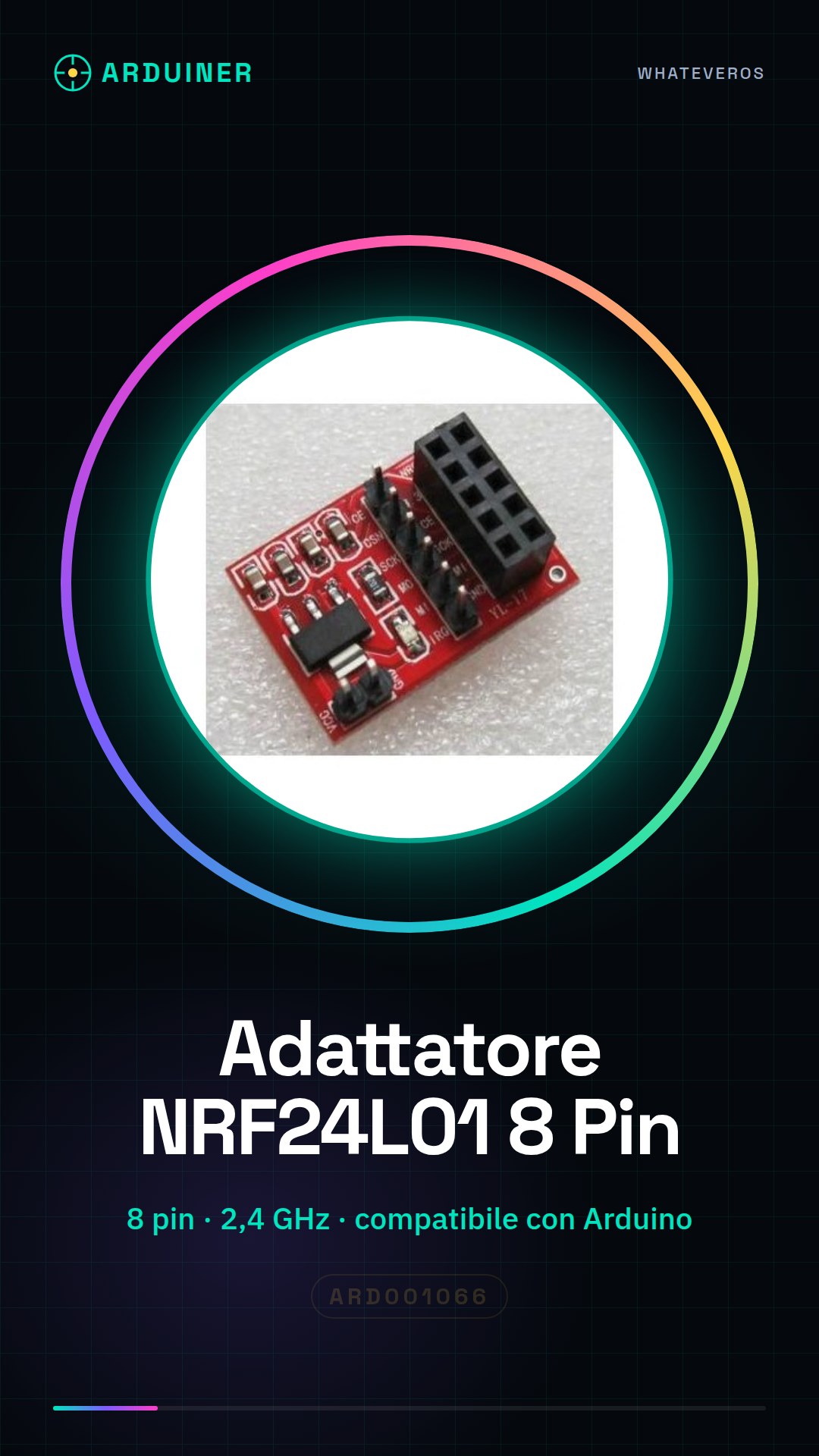
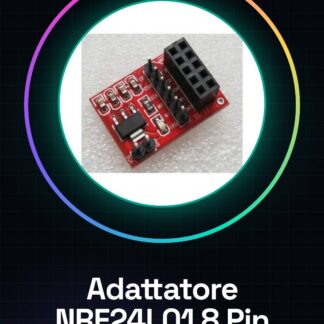
The 8-pin NRF24L01 adapter is designed to facilitate the integration of the wireless NRF24L01 module with Arduino and similar circuits. This adapter enables data transmission over a distance using the 2,4 GHz band.
Features:
– Compatible with Arduino
– Specific 8-pin wireless NRF24L01 module for interfacing
– Transmission frequency: 2,4 GHz
What is it for?
The NRF24L01 adapter is ideal for projects requiring wireless communication between Arduino devices or similar. It can be used to create remote monitoring systems, such as sending data collected from sensors to a receiving device.
Tutorial:
How to use the Wireless Module Adapter NRF24L01
This adapter allows you to connect the 8-pin wireless NRF24L01 module to an Arduino circuit or similar. It is perfect for those who want to start with wireless communication without worrying about specific pins.
What do you need?
– Arduino Uno
– NRF24L01 8 Pin Module
– USB cable
– Connection to PC
Steps:
1. Connect the NRF24L01 module to the adapter using appropriate connectors.
2. Connect the adapter to an expansion bus or directly to the Arduino pins (check the datasheet for correct pin mapping).
3. Install the ‘RadioHead’ library via the Arduino Library Manager.
4. Upload the following sketch to your Arduino and verify that data is sent and received correctly between two connected devices.
5. Modify the code as needed for specific requirements.
Example Code:
// Include RadioHead library
#include
#define CE_PIN 9
#define CSN_PIN 10
RH_NRF24 radio(CE_PIN, CSN_PIN);
void setup() {
if (!radio.init()) { Serial.println(F(“Error during initialization”)); while (1); }
}
void loop() {
// Code for sending and receiving data here.
}
Mini-project:
Create a wireless communication system between two Arduinos. One sends sensor readings, the other displays them on a serial monitor.
Common errors:
– Module initialization error
– Incorrect pin connections
– Missing or incorrect libraries
– Invalid transmission frequency
Reviews
There are no reviews yet.